

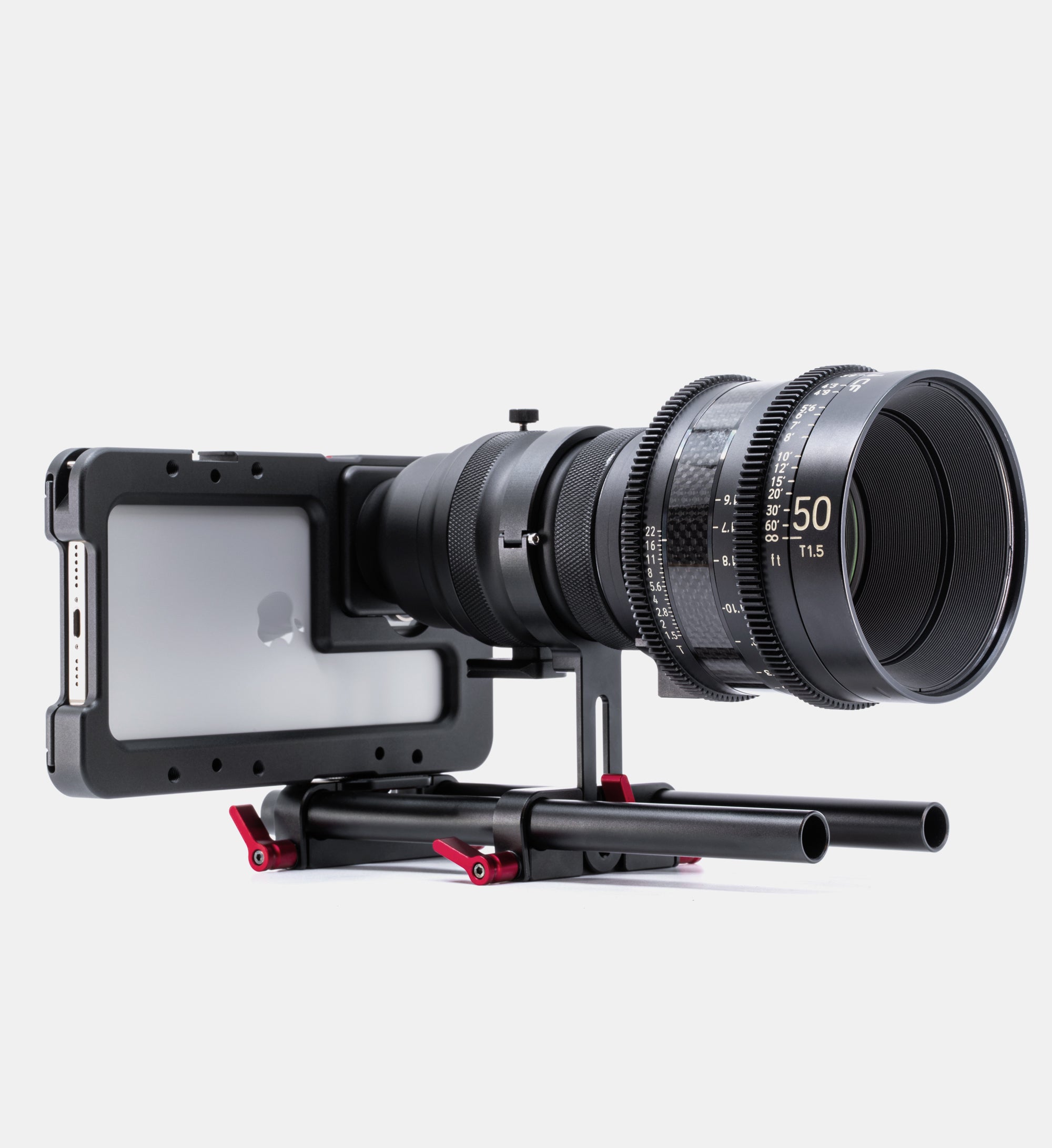
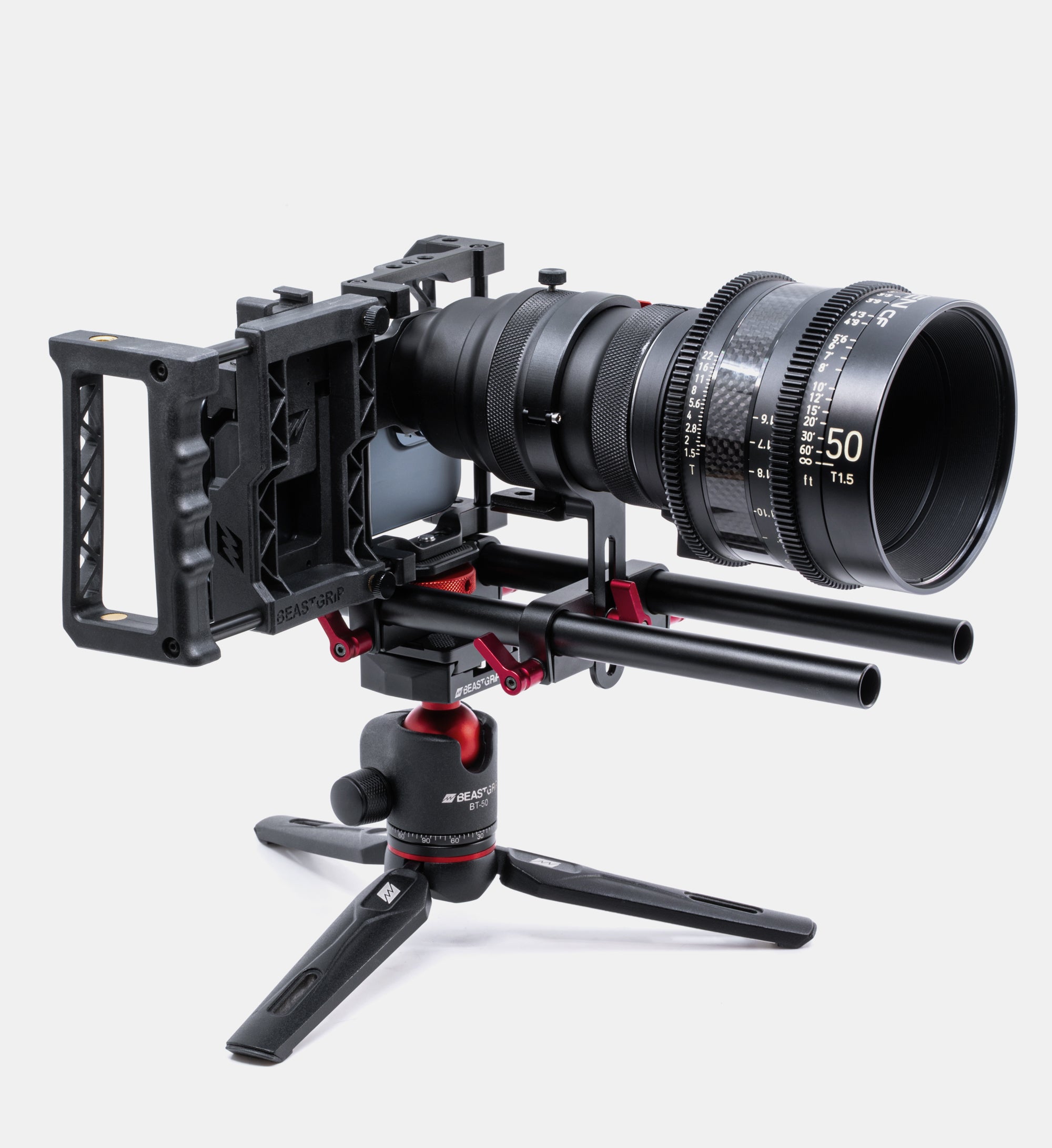

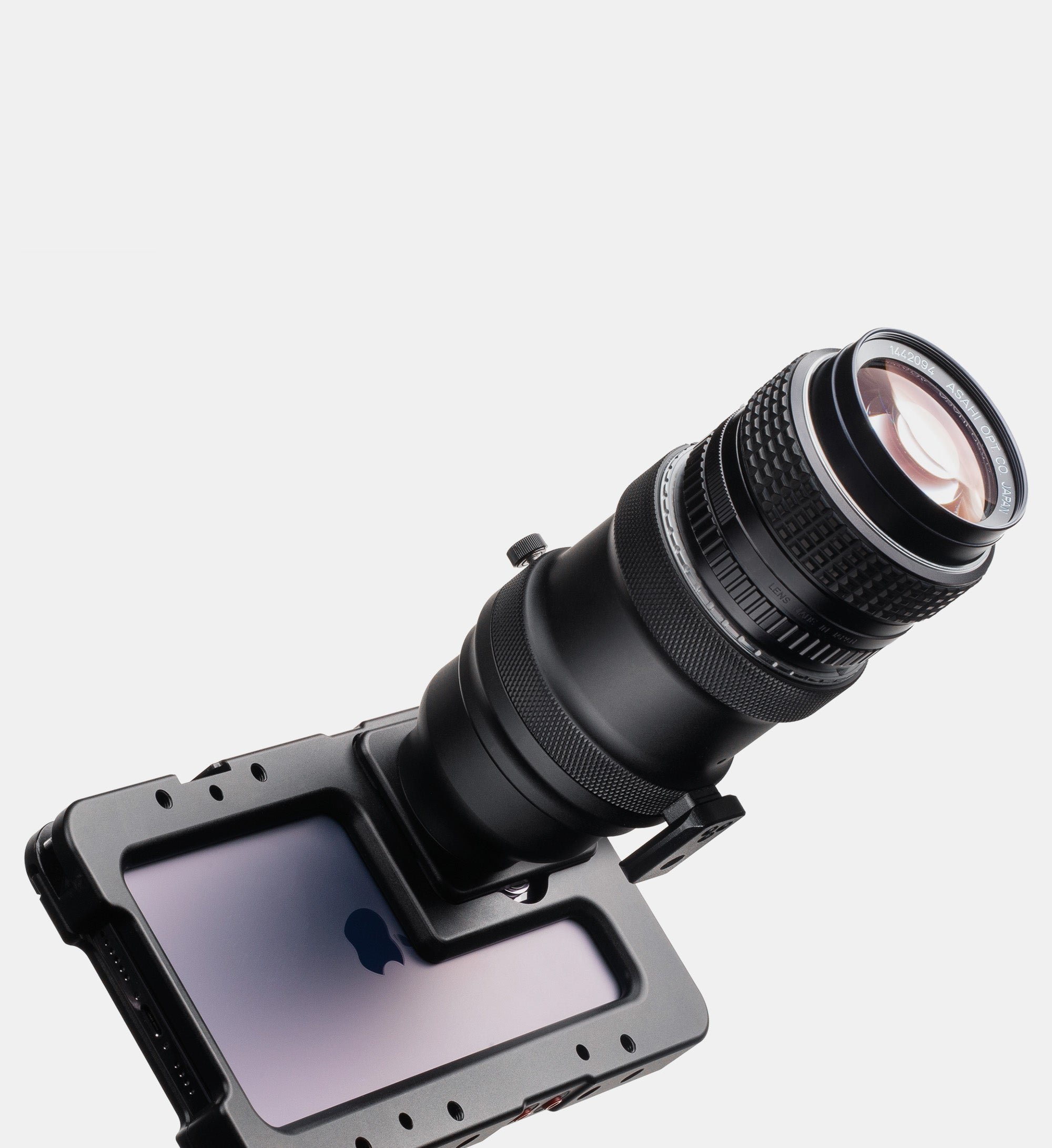
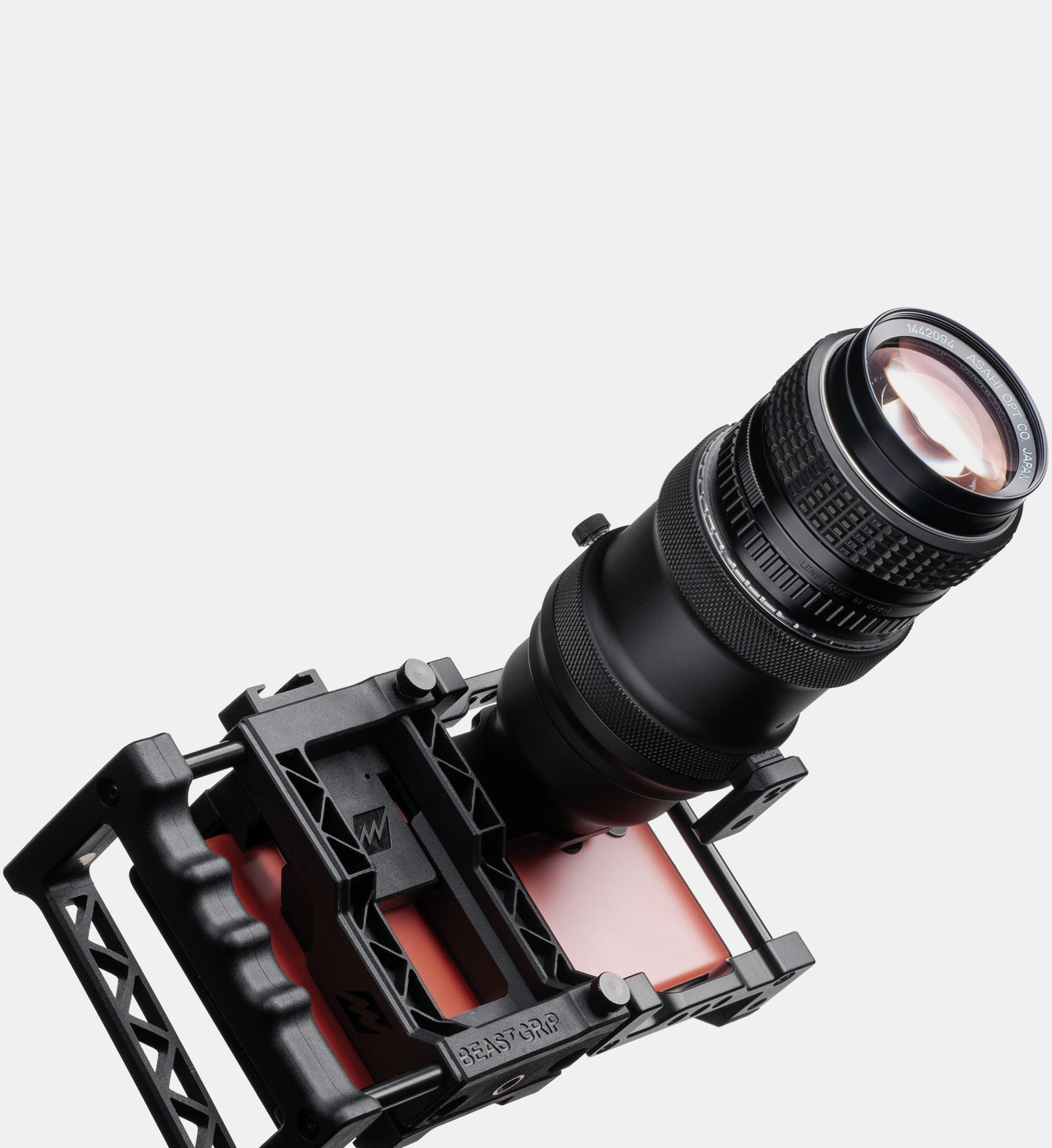
This is the best cine/video/photo accessory purchase I have made in 2026. I am using the DOF v3 with an iPhone 17 Pro Max and multiple vintage Olympus Zuiko OM manual focus lenses.
2-Day Flash Sale — 15% Off | No Code Needed | 👉 Shop Now
--
Days--
Hours--
Mins--
SecsIf you have any questions, you are always welcome to contact us. We'll get back to you as soon as possible.
Message Us
Get in touch by emailing info@beastgrip.com or using the Contact Us form
AI Chat
Our AI chatbot is here to help 24/7! Get instant answers to questions about products, order status, and policies anytime.
Call Us
Give us a call at +1 (312) 283 5283 Mon – Fri: 9:30am – 4:00pm CST
BGL137-DF
Description
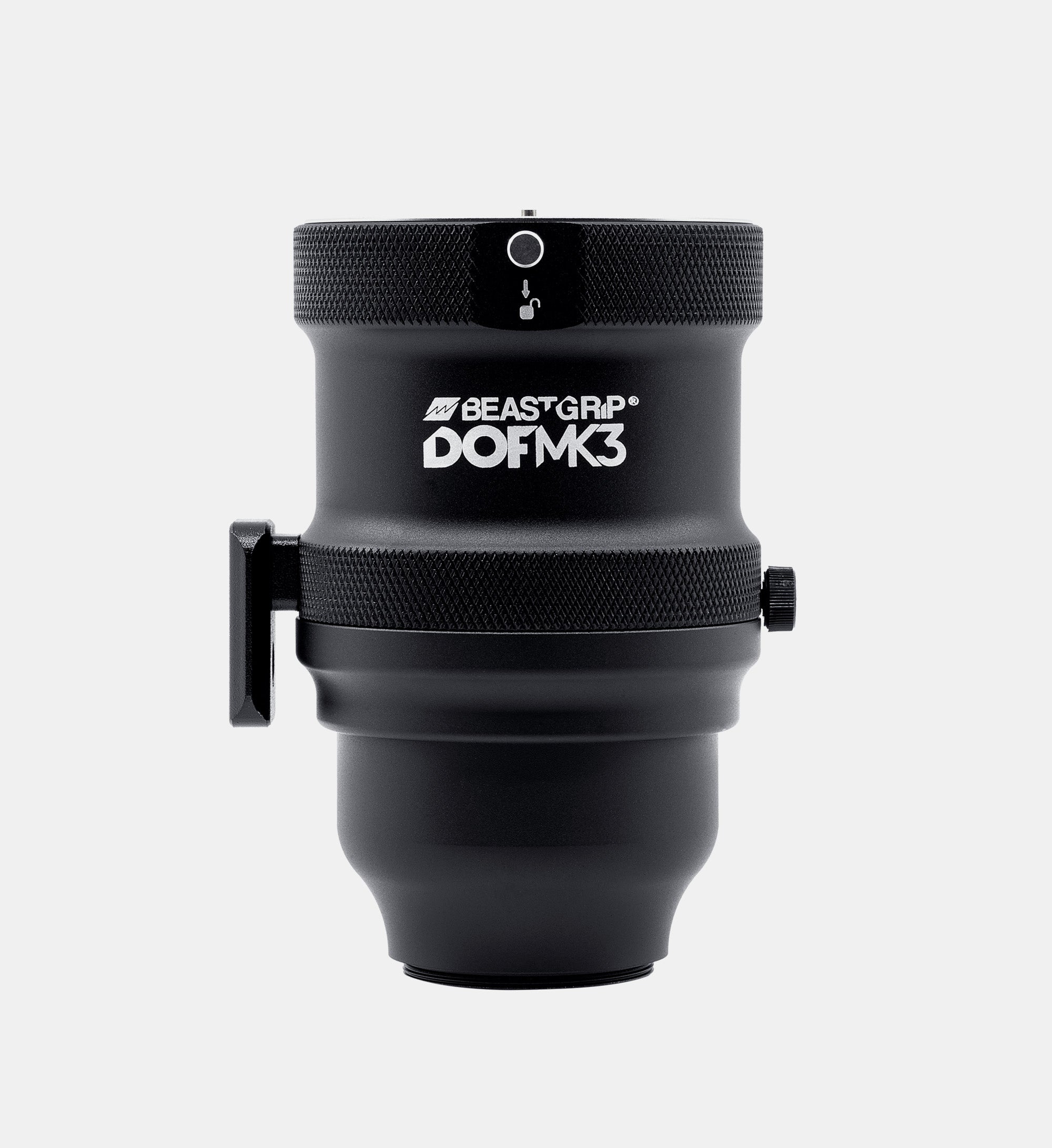
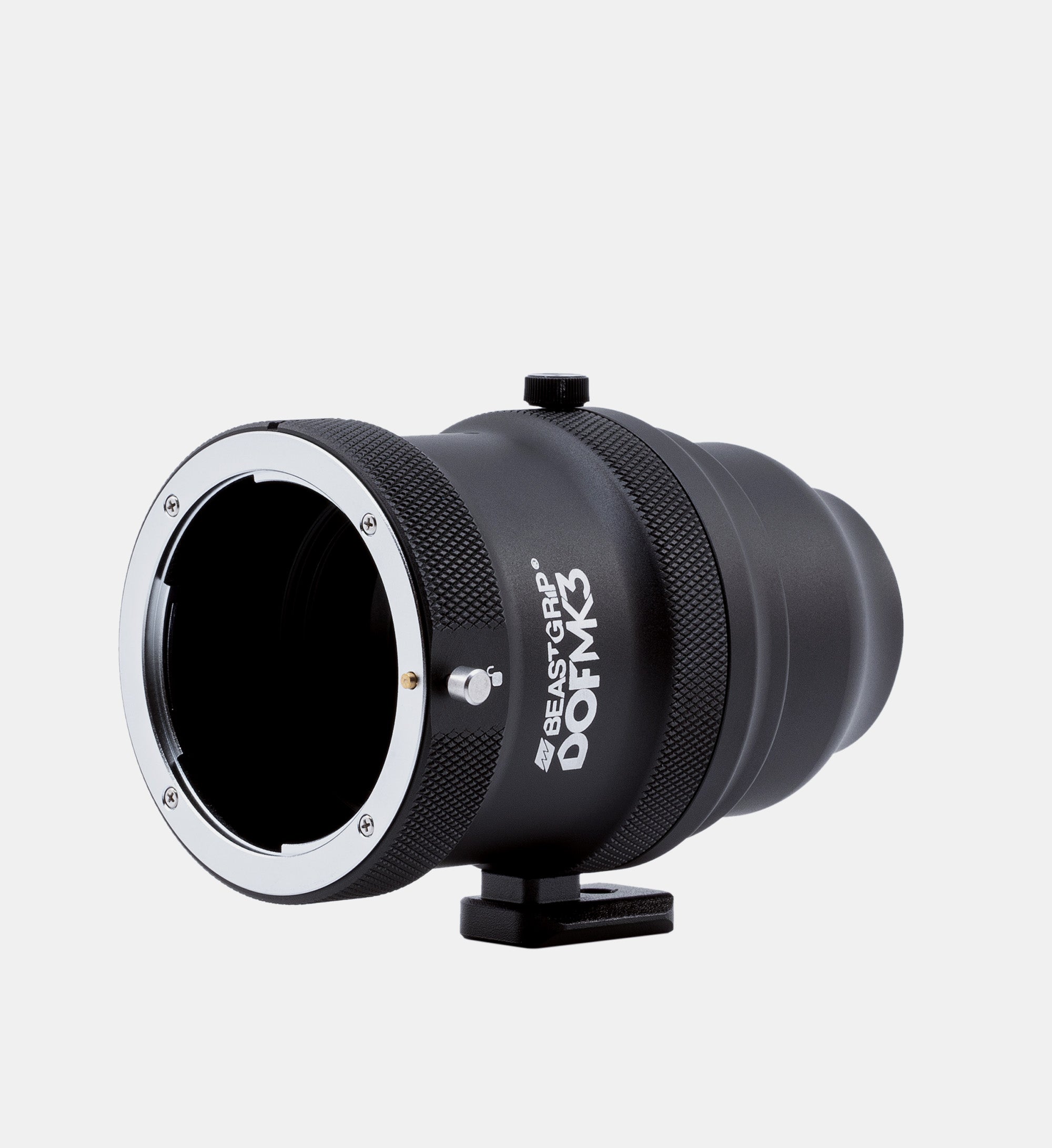
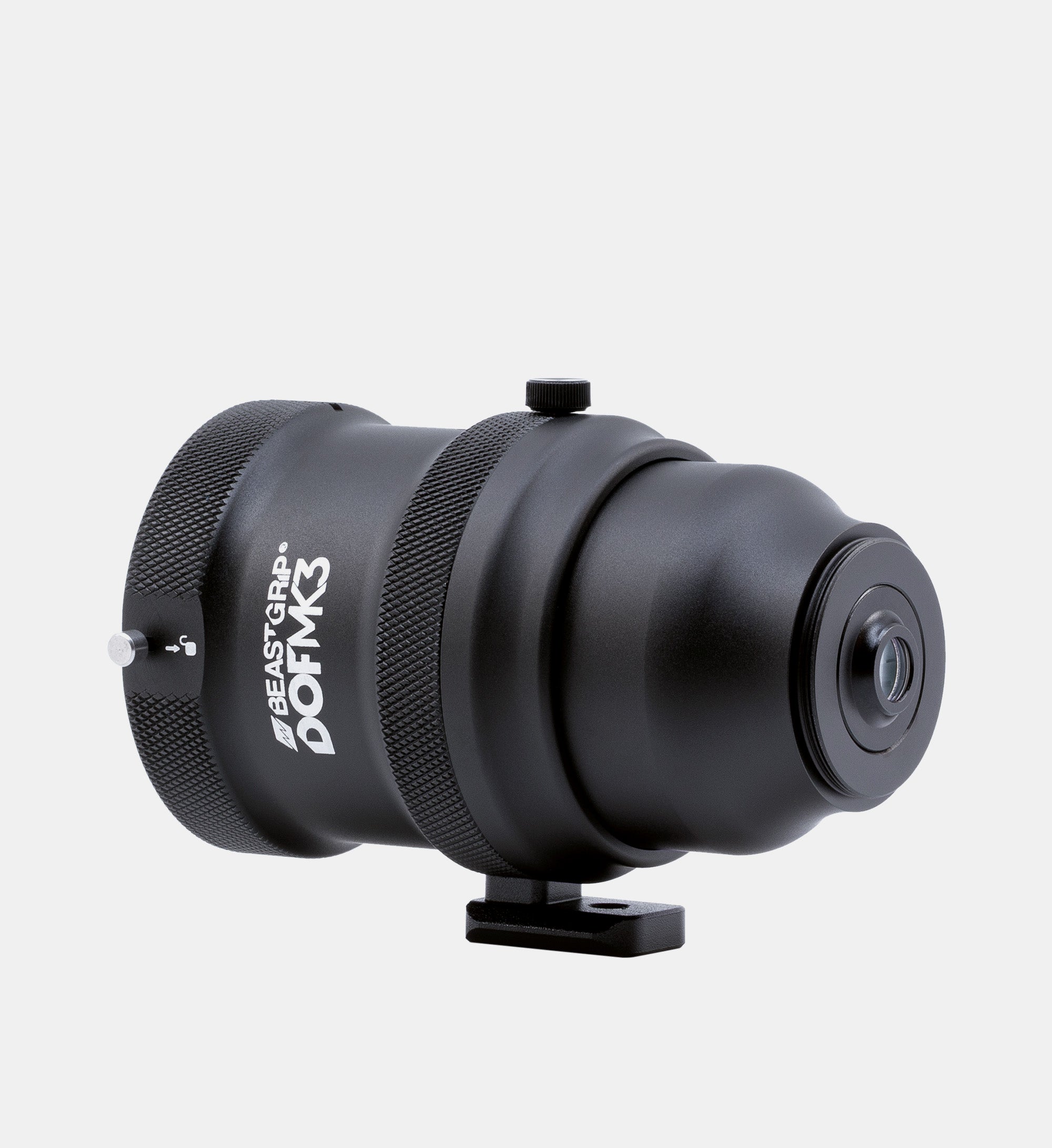
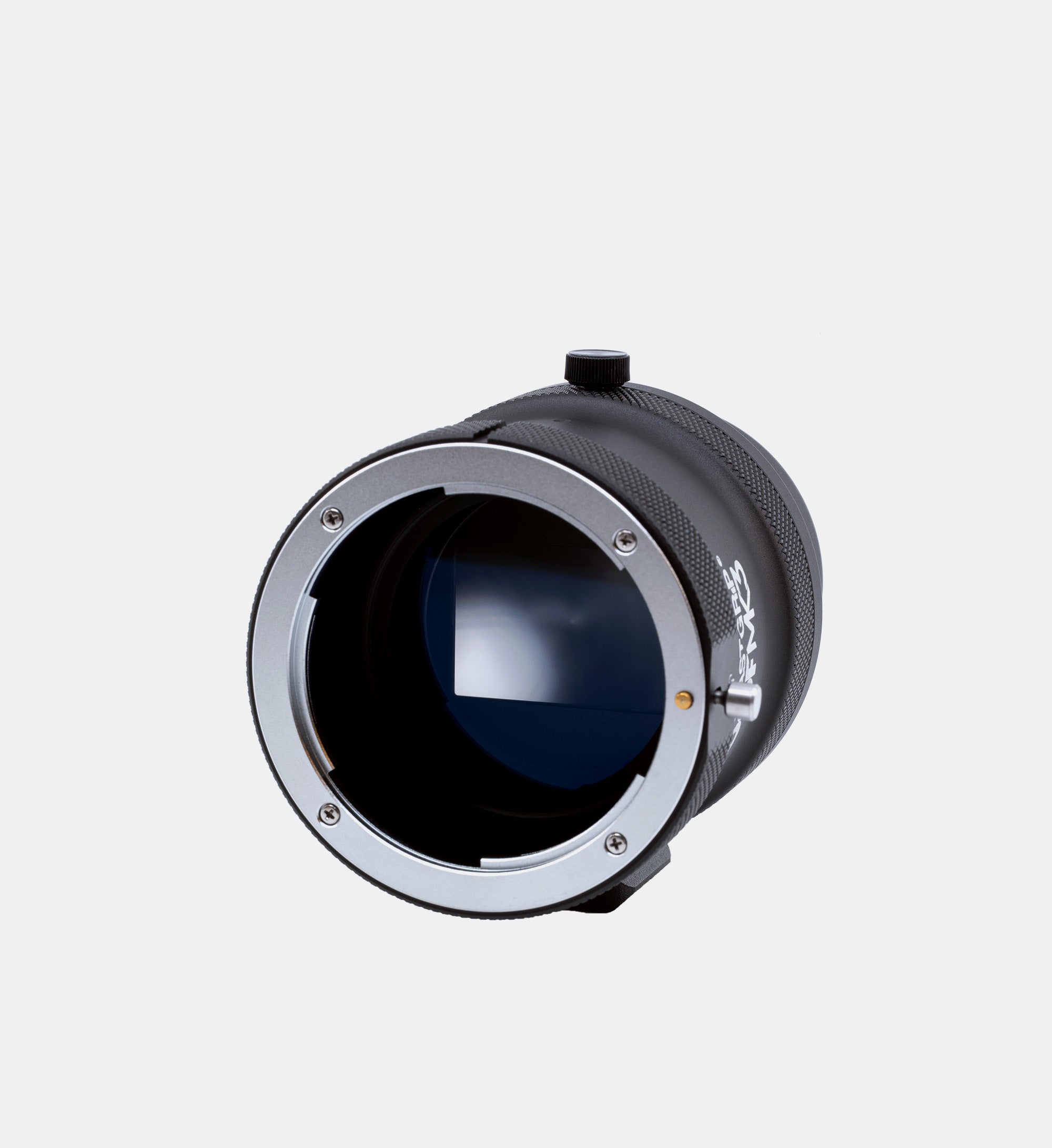
Enhance your smartphone filmmaking with the Beastgrip DOF Adapter MK3.
Our third and latest version is designed to transform your smartphone into a powerful tool for creating beautiful visuals using full-frame SLR/DSLR lenses. It will allow you to add more depth and dimension, achieving a true shallow depth of field to make your shots look like classic film footage. When filming with this adapter, you can perform a manual focus pull and draw the viewer's attention to the most critical elements in your shots.
The new Beastgrip DOF MK3 adapter features an all-new optical and mechanical design for optimal performance on modern smartphones with larger camera sensors and older smartphone models. Beastgrip DOF Adapter MK3 is based on a Canon EF mount, enabling its users to film with a wide range of full-frame Canon lenses and lenses from other brands*. With various adapter rings offering numerous possibilities for selecting the perfect lens, you can explore a diverse range of focal lengths and gain even more creative freedom to experiment and capture exceptional shots.
Compatible with the universal rig Beastgrip Pro and our dedicated Beastcage for iPhone, it caters to both Apple and Android smartphone users, providing complete freedom to choose which device to film with.
The DOF Adapter MK3 opens the door to the exciting world of smartphone filmmaking and empowers you to bring your creative ideas to life. It unlocks limitless possibilities and will be a valuable tool for any smartphone filmmaker or content creator looking to elevate their craft and capture breathtaking cinematic shots.
Attention: DOF adapter MK3 is not compatible with Beastgrip Pro Series lenses. The DOF adapter MK3 is only compatible with full-frame SLR and DSLR lenses.
Package Content
Compatibility
*Compatible SLR/DSLR Lenses
The primary objective of the DOF Adapter MK3 is to achieve a shallow depth of field and to allow you to use full-frame SLR/DSLR lenses with your smartphone. To ensure compatibility and the best results, it is crucial to verify that your lenses meet the following criteria:
Full-frame: The DOF Adapter MK3 is designed explicitly for full-frame lenses. Using a full-frame focusing screen delivers optimal performance and compatibility with a wide range of lenses. Using crop-sensor lenses with the DOF Adapter MK3 is not recommended, as it will result in severe vignetting.
Canon EF Mount: The DOF Adapter MK3 features a Canon EF Mount, enabling compatibility with Canon EF lenses and a wide range of other brands and mounts. These include Nikon F-mount, PL-mount, Pentax K-mount, M42, and Olympus OM-mount (with an additional adapter ring).
Manual focus control and open aperture: The crucial aspect of the DOF Adapter MK3 is the ability to control focus and achieve a shallow depth of field manually. As the DOF Adapter MK3 operates purely mechanically, your lens must have a manual mechanical focus control. Lenses such as the Canon STM series, which rely on electronic connections to the camera body for focusing, are NOT compatible with the DOF Adapter MK3. Lenses that offer manual aperture control must be set to their widest aperture to achieve the shallowest depth of field. Canon EF lenses, which lack a manual aperture control ring, are generally set to wide open by default and are also compatible with the DOF Adapter MK2.
Fast lenses: We recommend using fast SLR/DSLR lenses with aperture values ranging from f/1.2 to f/2.8 for optimal results. Generally, the faster the lens, the better the performance you can expect from the DOF Adapter MK3.
Specs
Complete Your Setup
Beastgrip DOF Adapter MK3

Save $50 on Beastrail Support when you bundle it with the DOF Adapter MK3
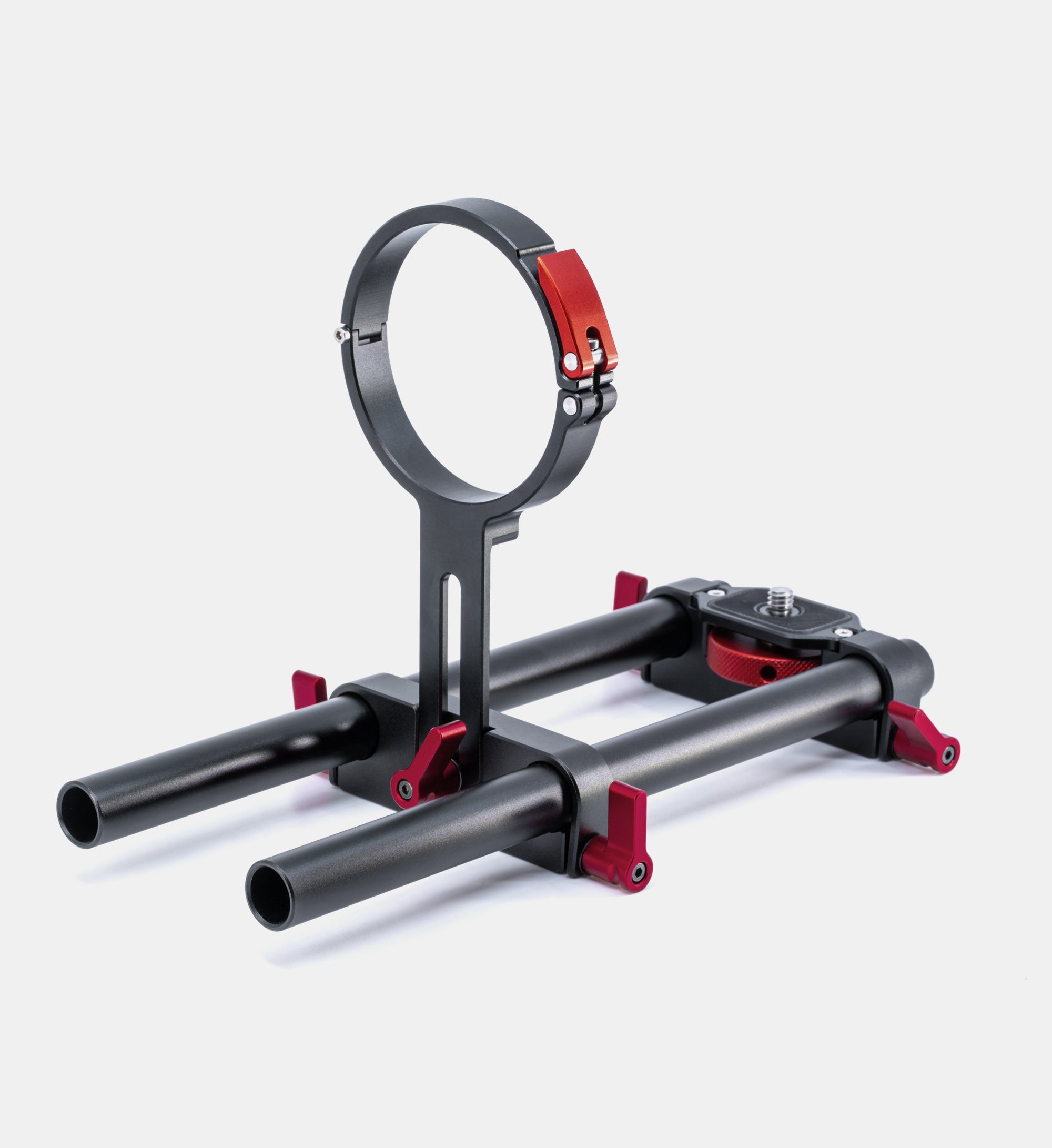
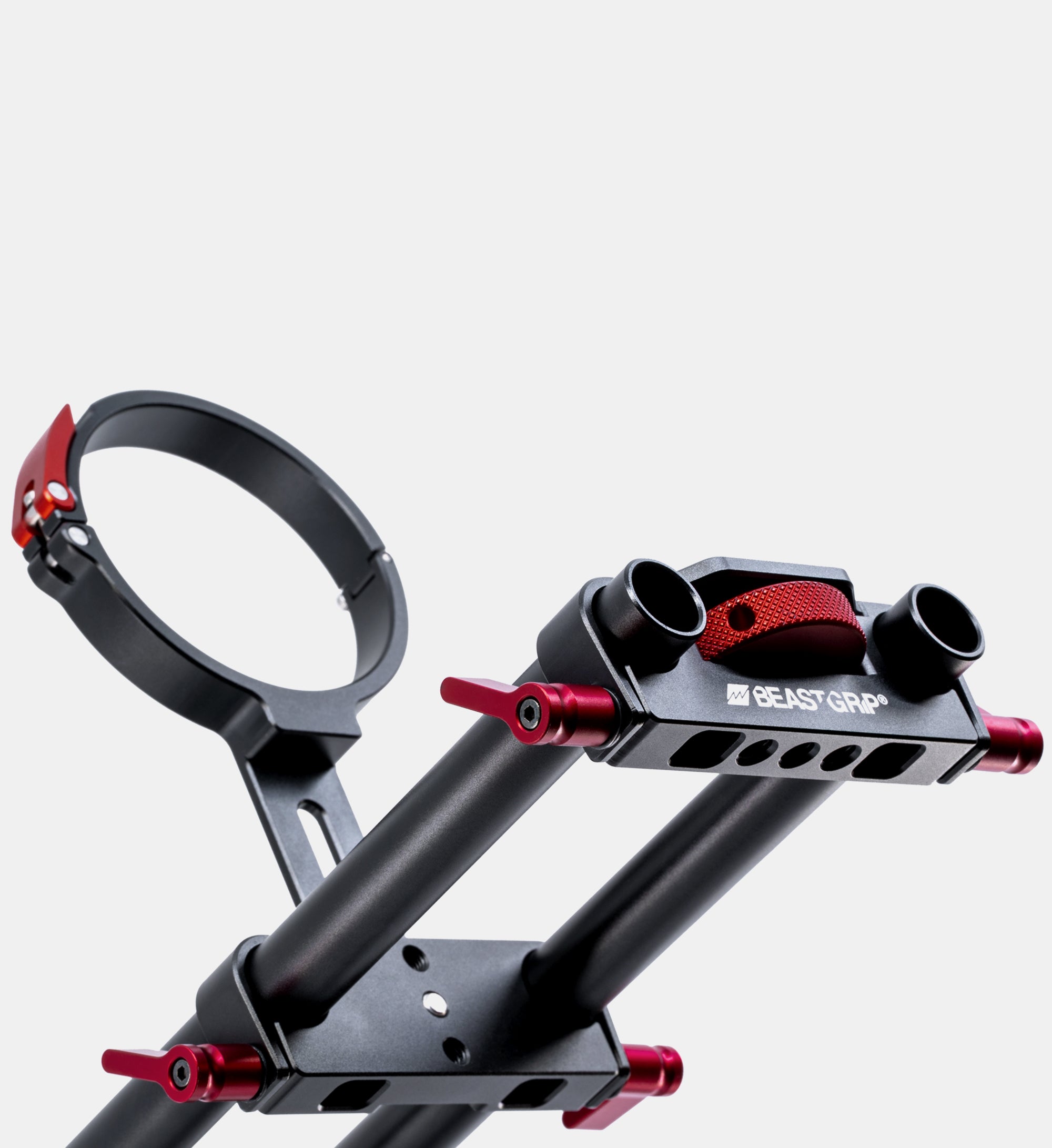
BeastRail Support System for DOF Adapter


Compatible Lenses
The DOF Adapter MK3 is a powerful tool for achieving stunning shallow depth of field with your smartphone. Learn more about compatible full-frame SLR/DSLR lenses and how to choose the right one to get the best cinematic results.
The Beastgrip DOF Adapter MK3 allows a smartphone to capture real optical shallow depth of field using interchangeable photographic or cinema lenses. It works by projecting the image from the mounted lens onto a focusing screen, which is then re-imaged by the smartphone camera through relay optics.
This design enables manual focus control directly on the lens and produces natural depth separation using real optics rather than software-generated blur.
The Beastgrip DOF Adapter MK3 mounts in front of the smartphone’s main wide camera using the Beastgrip Pro universal rig or a compatible Beastcage for iPhone. The smartphone camera then acts as a capture device, recording the optically formed image produced inside the adapter.
Once mounted, the adapter allows the phone to record the image created by the attached camera lens, enabling manual focus control and optical depth-of-field effects that are not possible with the native smartphone camera alone.
The Beastgrip DOF Adapter MK3 produces real optical shallow depth of field created by the mounted camera lens, not software or computational blur. Depth separation, focus falloff, and background blur are formed optically and respond naturally to aperture, focal length, and focus distance.
The resulting image has a distinct, consistent look shaped by both the mounted lens and the adapter’s optical design, making it well suited for creative, cinematic-style shooting on a smartphone.
The Beastgrip DOF Adapter MK3 produces real optical shallow depth of field and manual focus control, but it does not aim to exactly replicate the look of a full-frame or cinema camera system. The image reflects a blend of the mounted lens’s character and the adapter’s optical design.
The use of a focusing screen introduces a subtle diffusion, texture, and optical characteristics that result in a slightly softer, film-like image with its own creative signature. This makes the Beastgrip DOF Adapter MK3 best suited for users looking for a distinctive optical look rather than a direct match to a specific camera or sensor.
The Beastgrip DOF Adapter MK3 uses a traditional optical design in which the mounted camera lens projects an inverted image onto the focusing screen. This is a natural characteristic of lens-based optical systems.
To record properly oriented footage, the image must be digitally rotated using a compatible third-party camera app.
Yes. The Beastgrip DOF Adapter MK3 requires a third-party camera app to operate correctly.
The optical design of the adapter produces an inverted image that must be digitally rotated during recording. Native camera apps do not provide image orientation correction.
Precise manual focus control of the smartphone camera is also required. The mounted lens projects its image onto the focusing screen, and the smartphone camera must be manually focused on that specific image plane to capture optimal detail. Automatic focus systems are not designed for this type of optical setup and may shift focus unpredictably.
For best results, image stabilization features on the smartphone should be disabled, as they are not optimized for this optical configuration.
Apps such as Beastcam (iPhone) and Blackmagic Camera (iPhone and Android) provide the necessary image rotation and full manual focus control. Many other professional camera apps also support image orientation correction and manual focus adjustments, and users may choose their preferred app as long as these features are available.
The Beastgrip DOF Adapter MK3 is a fully optical and mechanical system. There is no electronic communication or power connection between the mounted lens, the adapter, and the smartphone.
Autofocus functions are not supported. Even if a lens includes autofocus capability, it will not operate electronically when mounted on the Beastgrip DOF Adapter MK3.
Lens-based electronic image stabilization is also not supported.
It is essential that the lens provides true mechanical manual focus control. Lenses that rely on electronic focus systems, such as Canon STM lenses, will not function properly for manual focusing. Fully manual lenses or lenses with direct mechanical focus rings are required.
No. The Beastgrip DOF Adapter MK3 is based on a Canon EF mount design and is not compatible with mirrorless lenses that use shorter flange focal distance mounts such as Sony E, Canon RF, Nikon Z, or similar systems.
Mirrorless lenses are designed to sit much closer to the camera sensor. Because the Beastgrip DOF Adapter MK3 follows the Canon EF mount flange distance standard, mirrorless lenses cannot achieve proper focus when mounted to this system.
The Beastgrip DOF Adapter MK3 is designed for full-frame SLR/DSLR lenses based on the Canon EF mount standard.
Only lenses that match the Canon EF flange distance specification, including Canon EF lenses and compatible mechanical mounts such as Nikon F, PL, Pentax K, M42, and Olympus OM (with appropriate adapter rings), can be used.
Lenses must provide true mechanical manual focus control. Electronic focus-by-wire lenses are not compatible. Full-frame lenses are required for proper coverage; crop-sensor lenses will cause severe vignetting.
Fast lenses (typically f/1.2 to f/2.8) and longer focal lengths generally deliver the most pronounced shallow depth of field and best overall visual results.
For detailed lens requirements and mounting information, please refer to the Compatibility section on this product page.
The main purpose of the Beastgrip DOF Adapter MK3 is to achieve real optical shallow depth of field. Fast lenses, typically in the f/1.2 to f/2.8 range, produce significantly stronger depth separation compared to slower lenses.
Using wider apertures also helps minimize the visibility of focusing screen texture and reduces vignetting. Slower apertures increase depth of field, make screen texture more noticeable, and are generally not recommended for optimal results.
For the most pronounced cinematic look and best overall image performance, fast full-frame lenses are strongly preferred.
The Beastgrip DOF Adapter MK3 uses a multi-stage optical path that includes the mounted camera lens, a focusing screen, and relay optics. Some light loss is inherent to this design and is influenced by the lens’s f-stop or T-stop as well as the additional optical elements.
A fine focusing screen texture may be visible in certain high-contrast scenes, particularly around bright highlights or transitions between in-focus and out-of-focus areas. Minor optical aberrations from the mounted lens and relay optics may also be present.
Image detail is typically highest at the center of the frame, with gradual softness and detail falloff toward the edges. These characteristics are inherent to screen-based adapter systems.
The Beastgrip DOF Adapter MK3 introduces some light loss due to the mounted lens’s f-stop or T-stop and the additional optical elements in the adapter. However, the overall low-light performance largely depends on the smartphone camera’s sensor capability and noise performance.
When paired with a modern smartphone that performs well in low light and a fast full-frame lens (such as f/1.2–f/2.8), the Beastgrip DOF Adapter MK3 can be used effectively in controlled low-light environments.
The Beastgrip DOF Adapter MK3 performs best in projects where visual style, depth, and manual control are central to the creative process.
It is ideal for narrative filmmaking, music videos, experimental work, and artistic projects where real optical shallow depth of field and intentional focus control shape the image. The system is designed for filmmakers who want to push smartphone cinematography beyond its native limitations and achieve a look that cannot be created with software alone.
For creators who are comfortable working manually and exploring new visual approaches, the Beastgrip DOF Adapter MK3 opens up possibilities that are simply not achievable with a standard smartphone camera.
Filmmakers, photographers, and content creators rely on Beastgrip to push the limits of mobile creativity. See what they have to say!
Overall rating: 4.8 / 5 from 74 reviews.
This is the best cine/video/photo accessory purchase I have made in 2026. I am using the DOF v3 with an iPhone 17 Pro Max and multiple vintage Olympus Zuiko OM manual focus lenses.

Very good with 70-200 F2.8 Canon

The BeastGrip DOF MK3 has exceeded my expectations. After running several initial tests, I’m genuinely impressed by how effectively it enables an iPhone to produce a true depth-of-field aesthetic reminiscent of traditional cinema cameras. The adapter delivers a beautifully shallow focus and organic falloff that elevates mobile footage far beyond the standard smartphone look. I’ve been attempting to purchase this unit for over a year, and once it finally came back in stock, I wasted no time securing one. Based on my early results, it was well worth the wait. The DOF MK3 is shaping up to be a valuable addition to my mobile cinematography toolkit, offering creative flexibility without compromising the visual character I aim for in my work.

This finely crafted piece of artwork has transformed my life!!! Thank you #Beastgrip!!!

Very good perfect for my Nikon lens G mount

BEASTGRIP is a fantastic company with great customer service. Can’t recommend them enough! Product came very well packaged and secure, items exactly as described and certainly well built. If you are looking for cheaper quality equipment that isn’t made to last long shooting sessions and many years of use, find some other company to work with, because all my BeastGrip products are built to a very high standard and appear they will last forever. Machining is very good, optics are crystal clear and without any defects, mounts have perfect tolerances, and BeastGrip accessories are way better than 3rd party accessories, even for universal applications such as cold shoe mounts or NATO rails. Will certainly be looking only to BEASTGRIP for all my future add-ons to my professional iPhone 17 Pro Max rig, and the DOF Adapter MK3 is an awesome piece of optical engineering and is necessary for anyone wanting to take mobile photography and videography seriously. 10/10!!! - Luke H.

It’s a Game changer, nice build quality too, need Blackmagic cam/ or beastgrip app to flip the view

Very good!

En verdad me he quedado sorprendido con el adaptador , hice unas pruebas con un lente nikon 50 mm y luego con una Tamron 70 - 200 y se adapta de forma genial a mis necesidades , ahora veo que puedo incursionar incluso con lentes para cine y lograr una mejor performance para mis trabajos. Más bien quisiera que me asesoren con la adquisición de lentes para cine con montura EF y así seguir con esta aventura audiovisual. Gracias

En verdad me he quedado sorprendido con el adaptador , hice unas pruebas con un lente nikon 50 mm y luego con una Tamron 70 - 200 y se adapta de forma genial a mis necesidades , ahora veo que puedo incursionar incluso con lentes para cine y lograr una mejor performance para mis trabajos. Más bien quisiera que me asesoren con la adquisición de lentes para cine con montura EF y así seguir con esta aventura audiovisual. Gracias

The DOF MK3 is truly impressive. It allows you to use Canon-mount lenses (in my case a 28mm and the Samyang 50mm T1.5), turning the iPhone into a real cinematic tool. Colors remain soft and natural, and the shallow depth of field combined with the iPhone’s 4K sensor creates a very cinematic look that easily rivals much more expensive setups. Another great advantage is being able to take full advantage of the iPhone’s lightness compared to a traditional cinema camera, without giving up the character of real glass. Highly recommended for anyone who wants to push the iPhone beyond its standard limits. The Beastgrip Pro is a solid, well-built support and an absolute must for anyone working professionally with a smartphone. It’s highly versatile and easy to set up, perfect for integrating accessories like the DOF adapter and external lenses. Personally, I would have appreciated two small improvements: a rear cap/cover option to protect the mount when leaving the DOF or other lenses attached, avoiding the need to constantly screw/unscrew; and a more central placement for the rig rails mount, which would help balance certain setups. That said, the build quality is excellent and its modularity makes it a very powerful tool.

Awesome little adapter!! I was extremely excited to learn about this adapter and wanted to utilize my S25 Ultra phone as a filmmaking camera. Adapter came in without any shipping damages. Unfortunately since I'm running a specific rig case, the lens attachment that's separate from the Beastgrip Adapter made the adapter attach upside down where the lens supppry brackets are up on the top; This can be a quick fix though. Aside from that, I'm so excited to have purchased this adapter. Now I'm looking to get a lens or two to start with my phone setup. Seems like an easy setup as a mirrorless or DSLR camera.

Love this adapter. Does what it says

Great experience. Very nice gadget..would have been better if it can support telephoto dslr lens

Is amazing built-up

Very easy and intuitive setup. The look you can get from this adapter has brought my iPhone cinematography to another level.

Amazing! Cinematic

love the product

The DOF Adapter is the holy grail of iPhone filmmaking and photography accessories unlocking the largest potential for image creation using an iPhone. Pair with a set of EF mount fully manual cinema lenses, this product unlocks true professional level film and video creation with a phone.

Wonderful feeling of being able to use vintage lenses with an iphone. Got big plans for this rig.

I'm disappointed about the DOF MK3 Adapter. After testing it with my Canon EF 70-200mm f/2.8, I noticed the extreme vignetting. Weeks after having purchased the DOF MK3 Adapter, I saw the video where they mentioned that the adapter would work fine only until 100 mm lenses. I had to go to YouTube to find this information. It was not mentioned on the descriptions on the Beastgrip website. I purchased it because I already own two MK2 Adapters that always worked fine with my 70-200mm lens, so I didn't worry that the MK3 would not work with the 70-200mm lens.

My test with the dof mk3 with my 60+ year old 50mm 1.4 nikkor lens .. locked up nicely with a Amazon F mount to cannon adapter.. took a while to figure out the BeastCam program, going to take some time to figure out all the different options etc.. truly to early to give a full review but it makes images on my phone so that’s a start..

Is amazing to use now lenses for a phone The only downside is the lottle base holding the DOF Mk3 is really tiny the 2 screws went off the second day So now I need to buy another piece to hold it

Been waiting to add this for quite some time. Will be going out to test out this weekend but here are some photos of the rig. Beastcage, the rails, and I bought some Chinon lenses on EBay to try them out and a Helios 44m 58mm (arriving June from the Ukraine!). Will also be testing the Beastgrip Anamorphic so should be fun. After this splurge, will get the wide angle lens to complete the set. Thanks guys!

ㅋㅋ

We are a professional Filmmaker and production company. Right now we continue to test and set up the Samsung 24 Ultra smart cinematography. So far we like the DOF MK3 adapter We will recommend it to all my Filmmaker.

Techo-wiccan Short for technologically advanced witch

It's an incredible experience! I've wanted this device for years. I had the first prototype but I didn't like it, this is something very superior. I'm very excited to do great things with him… Thanks for all!!!

Expanding the range of what we can do now has elevated our scope to a level we’ve. Wanted to achieve. Beastgrip has given us an affordable opportunity during a time that when the film industry is in dire straits. The DOF adapter is exactly what was needed.
Not used it in anger yet, bought for some gig photography,
Got quick, amazing piece of gear
Still making changes to set up
Still learning it, but it seems good initially.
Haven’t had a chance to use it yet, but I’m excited to give it a try. Package shipped fast, as always, and the products are always top-notch! Love all the products that I’ve ordered.
Thanks!
ty
Expertly made. Extremely high quality perfect!
Was thrilled to "hop the line" while waiting for the next batch of DOF adapters. My refurbished MK3 arrived in "new" condition. Loving being able to shoot filmic shallow depth o' field anamorphic vid on a rigged-up lil' 17 pro max. Thanks Beastgrip team for doing an awesome job on both the refurbishing & customer support! Cheers
Aún no he tenido oportunidad de experimentar con este adaptador, pero en principio se le ve sólido y bien fabricado. Una vez experimente con él complementaré mis comentarios.
Great product, like all their products, and it works perfectly.