


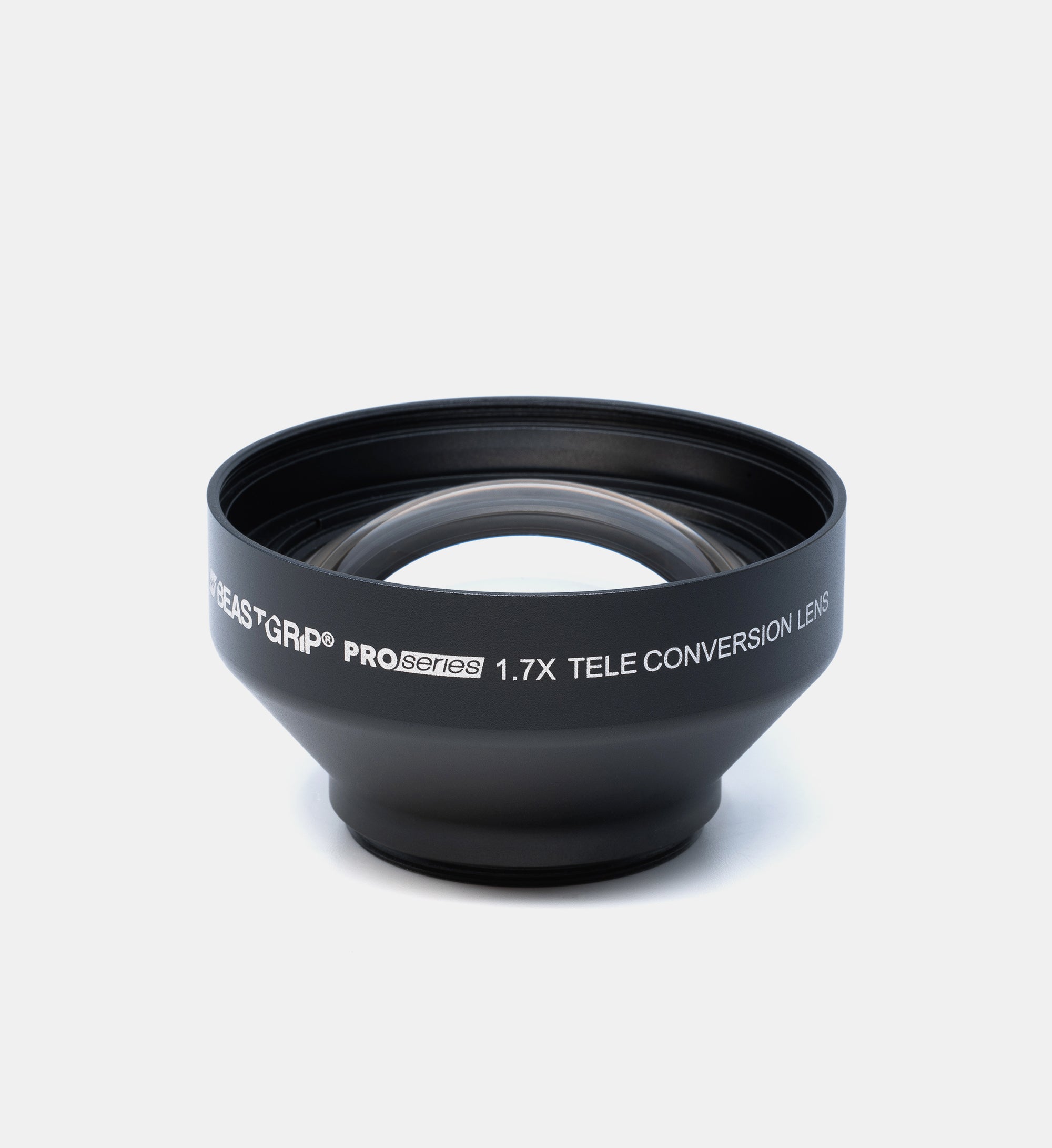
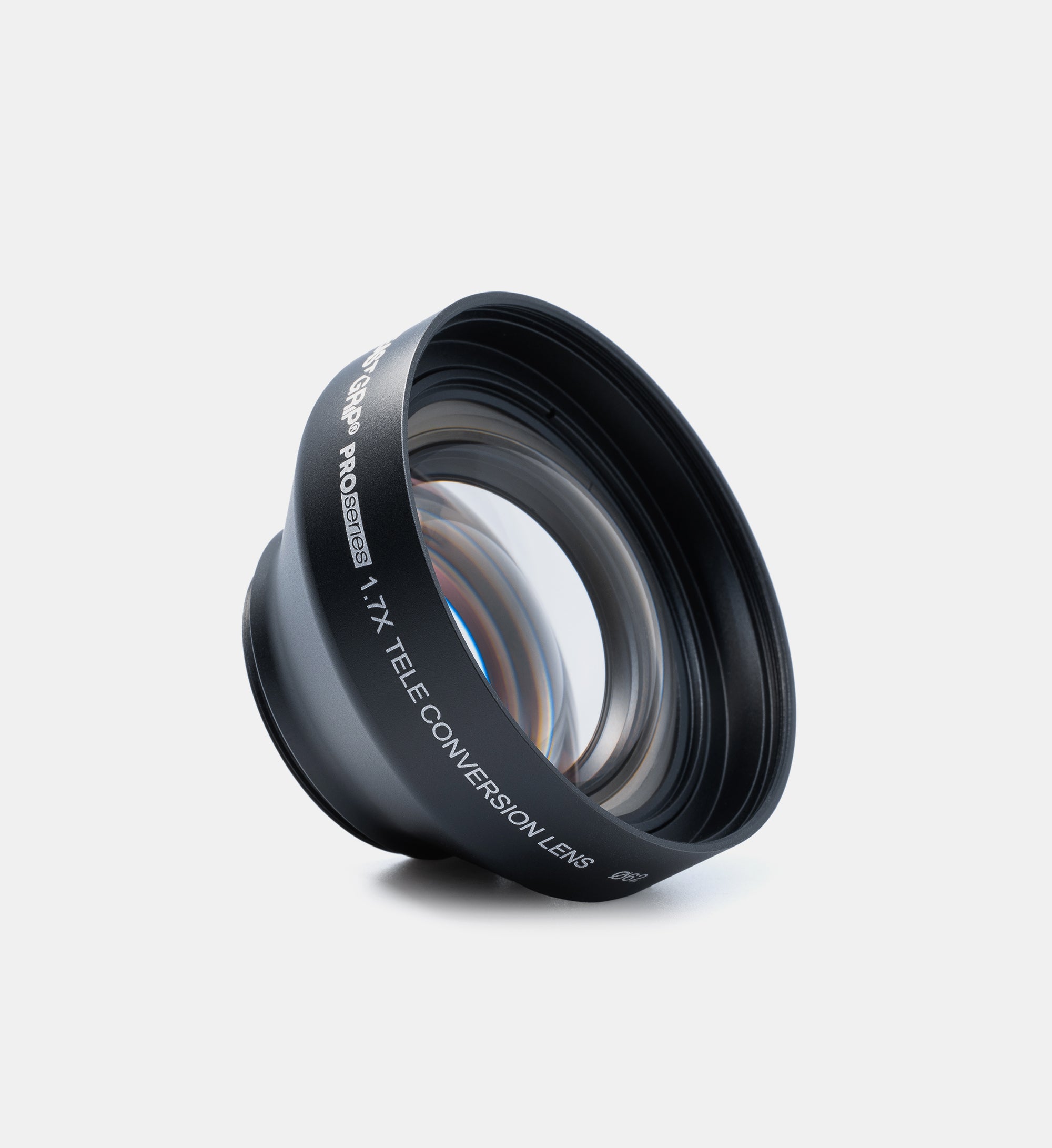
Pro Series 1.7X Telephoto Lens

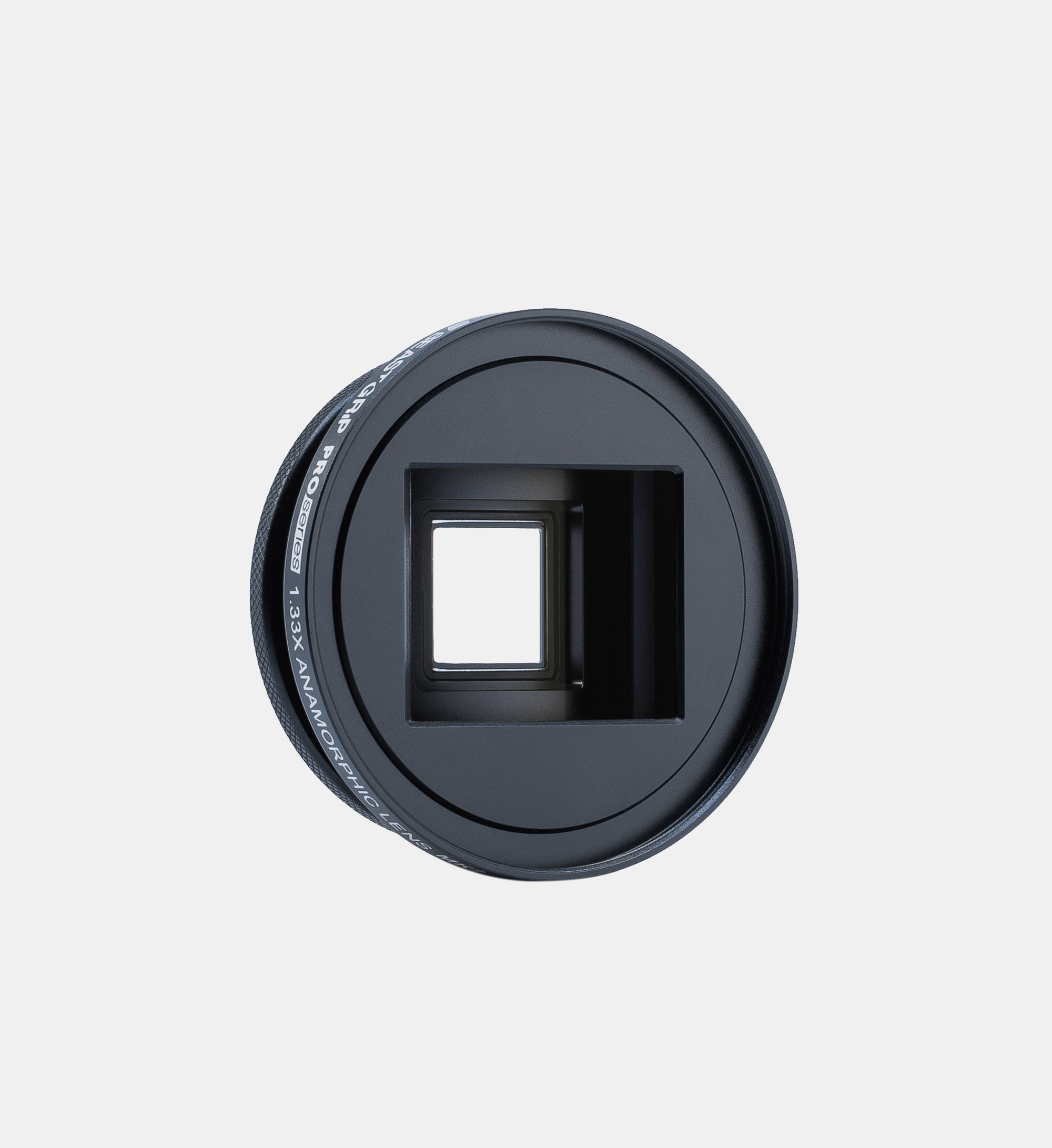
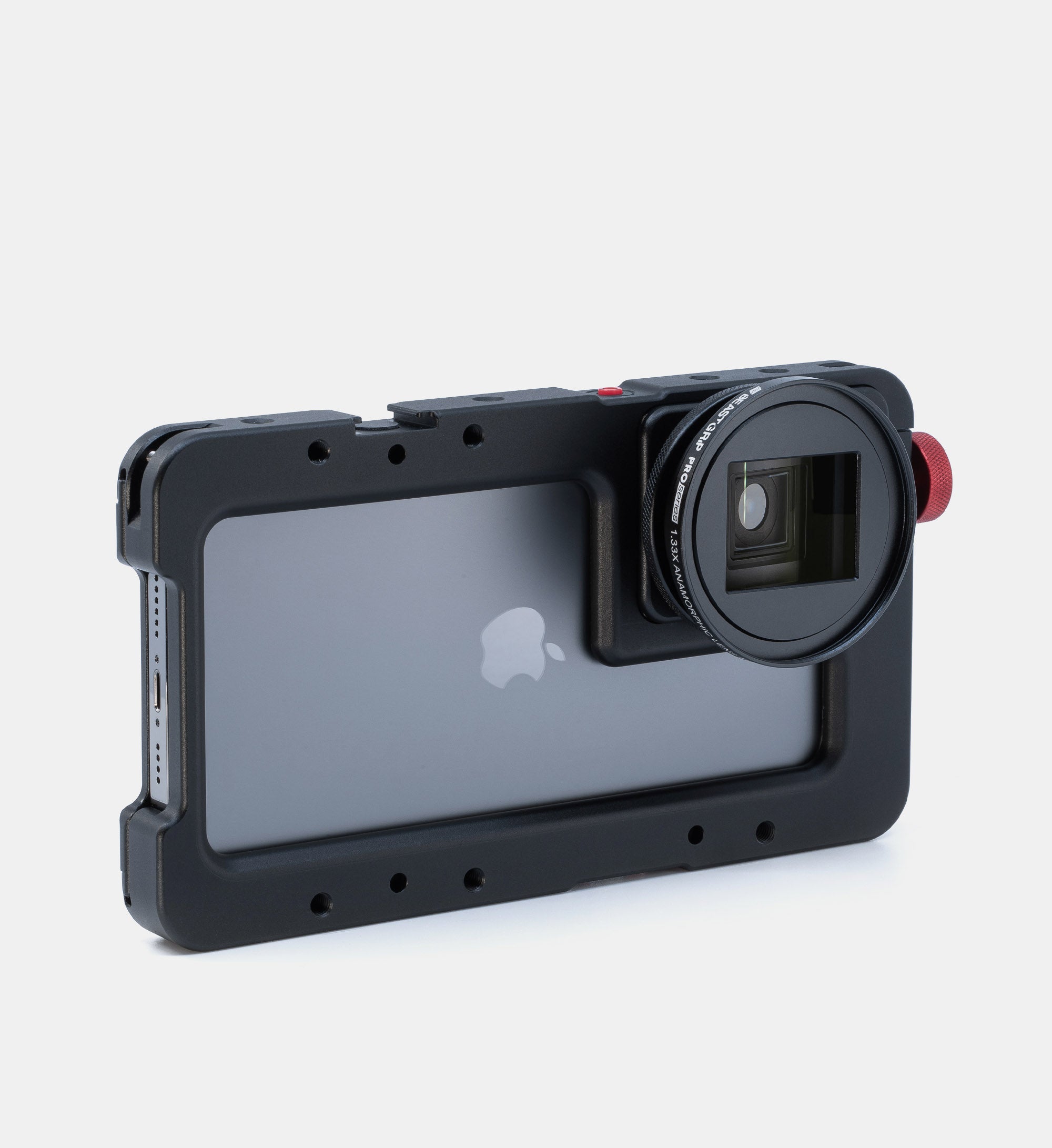
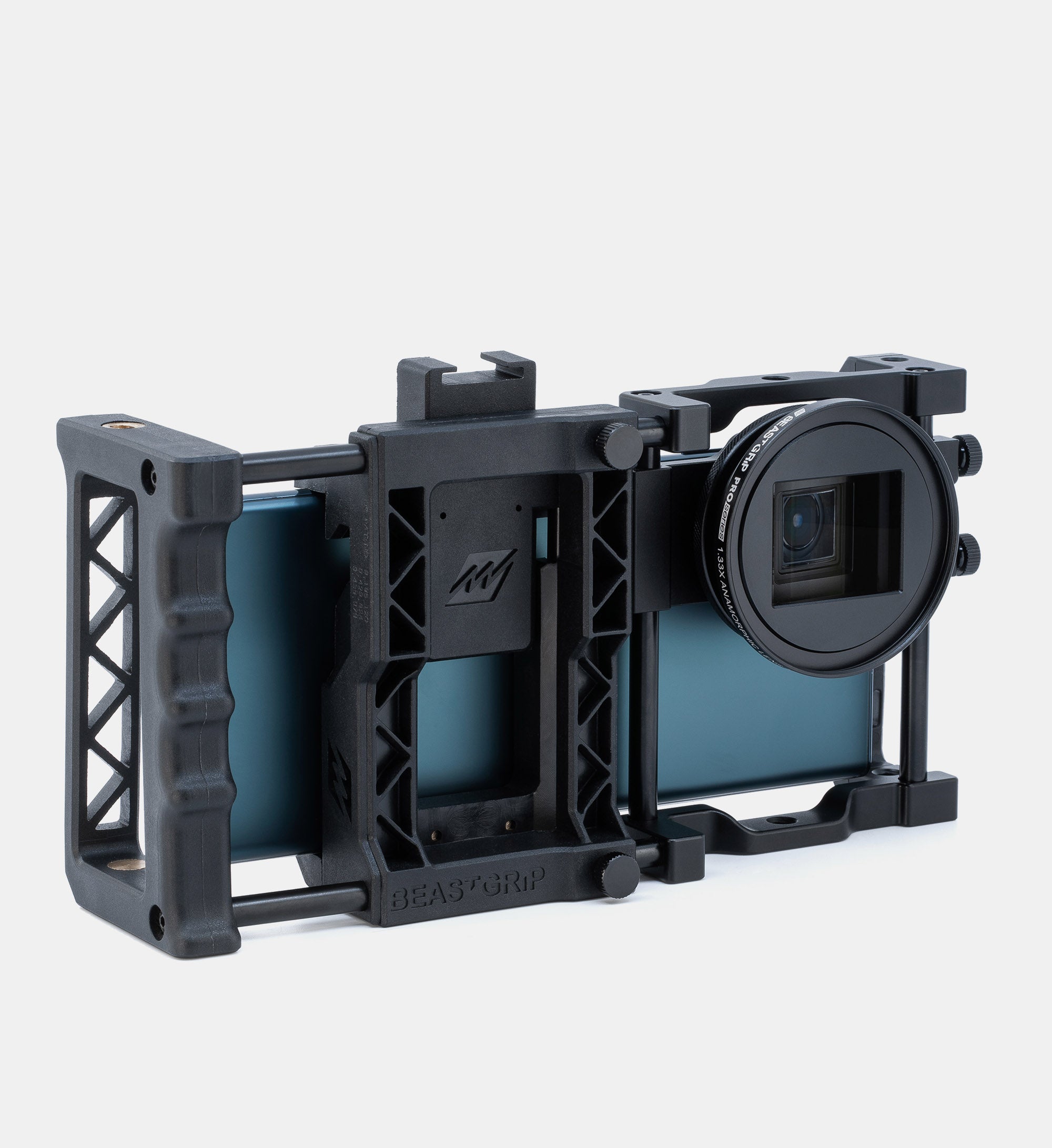
Pro Series 1.33X Anamorphic Lens MK2
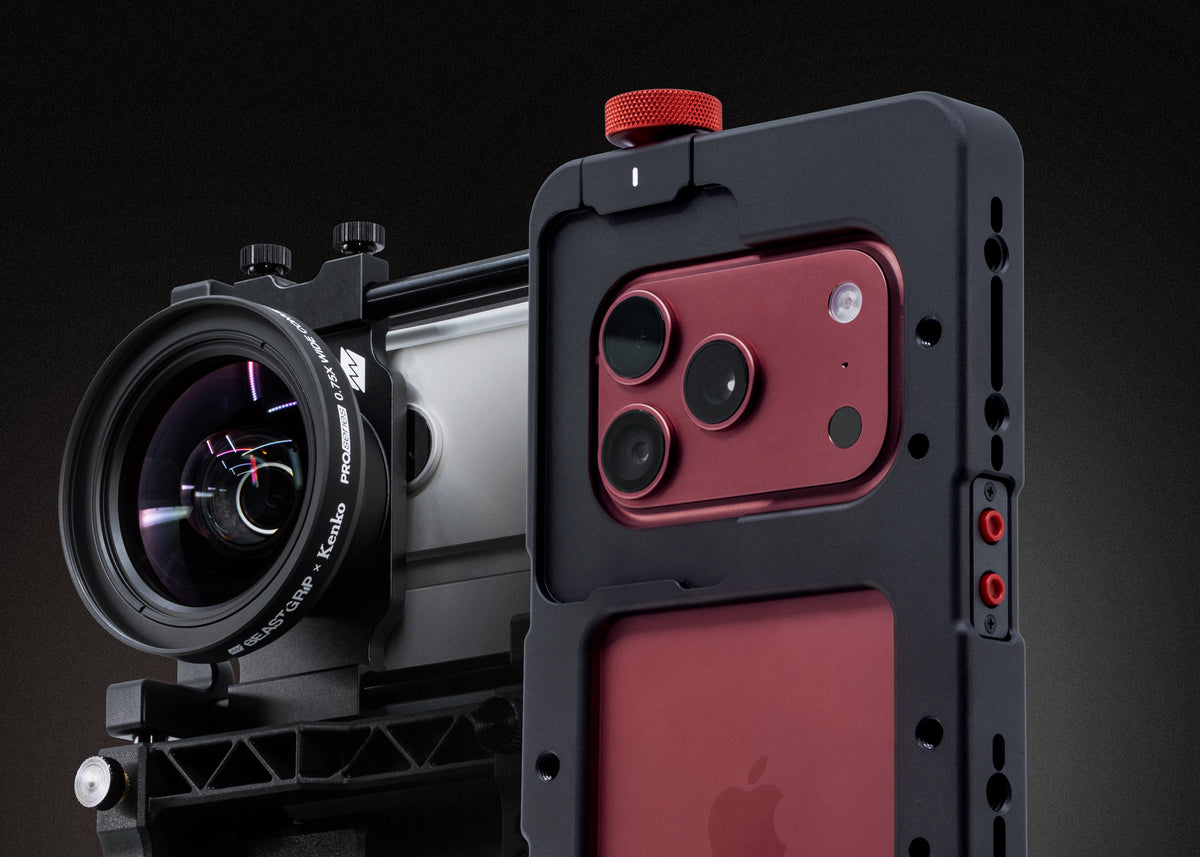
Gear for iPhone 18
Build your ultimate filmmaking setup
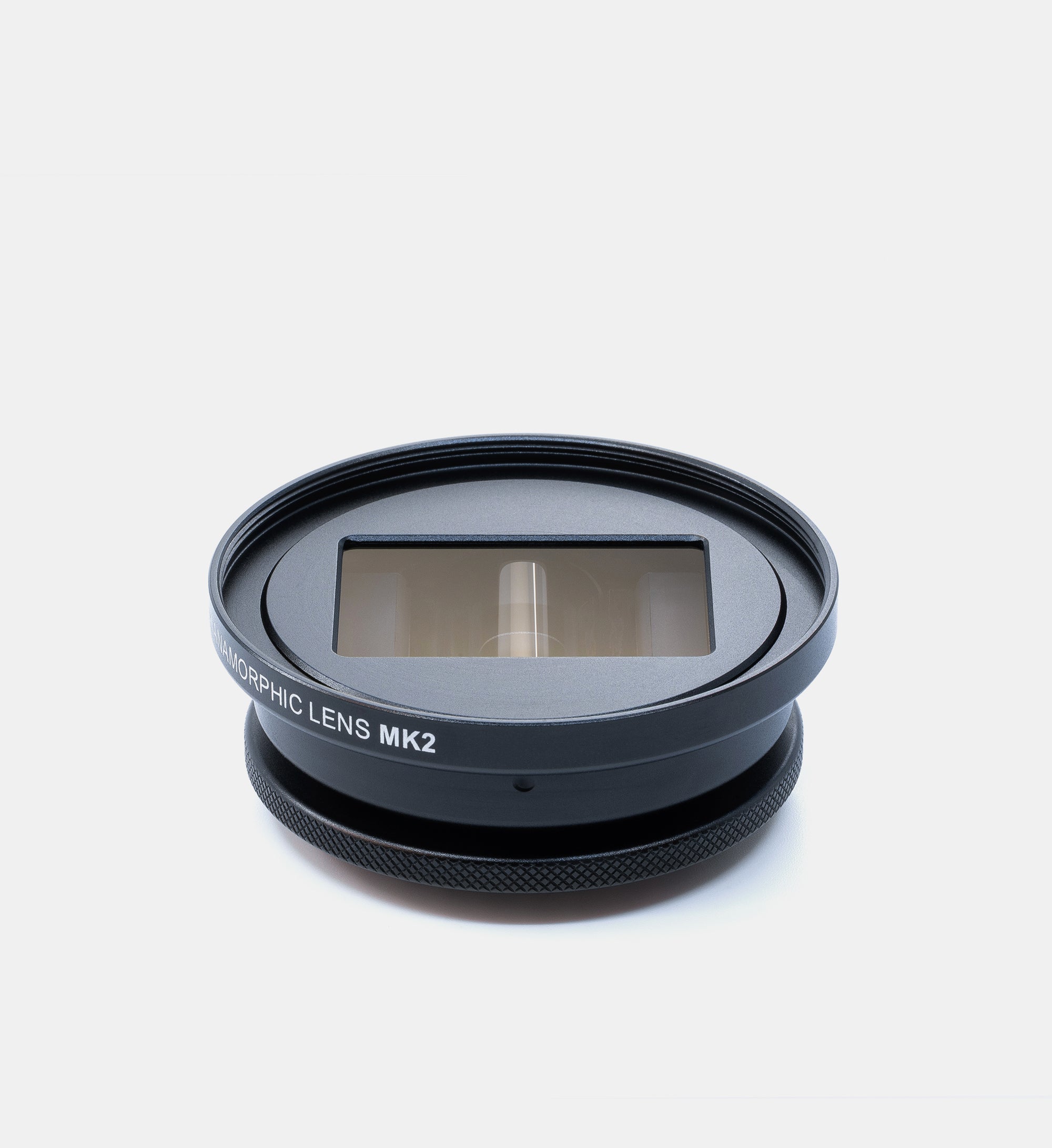
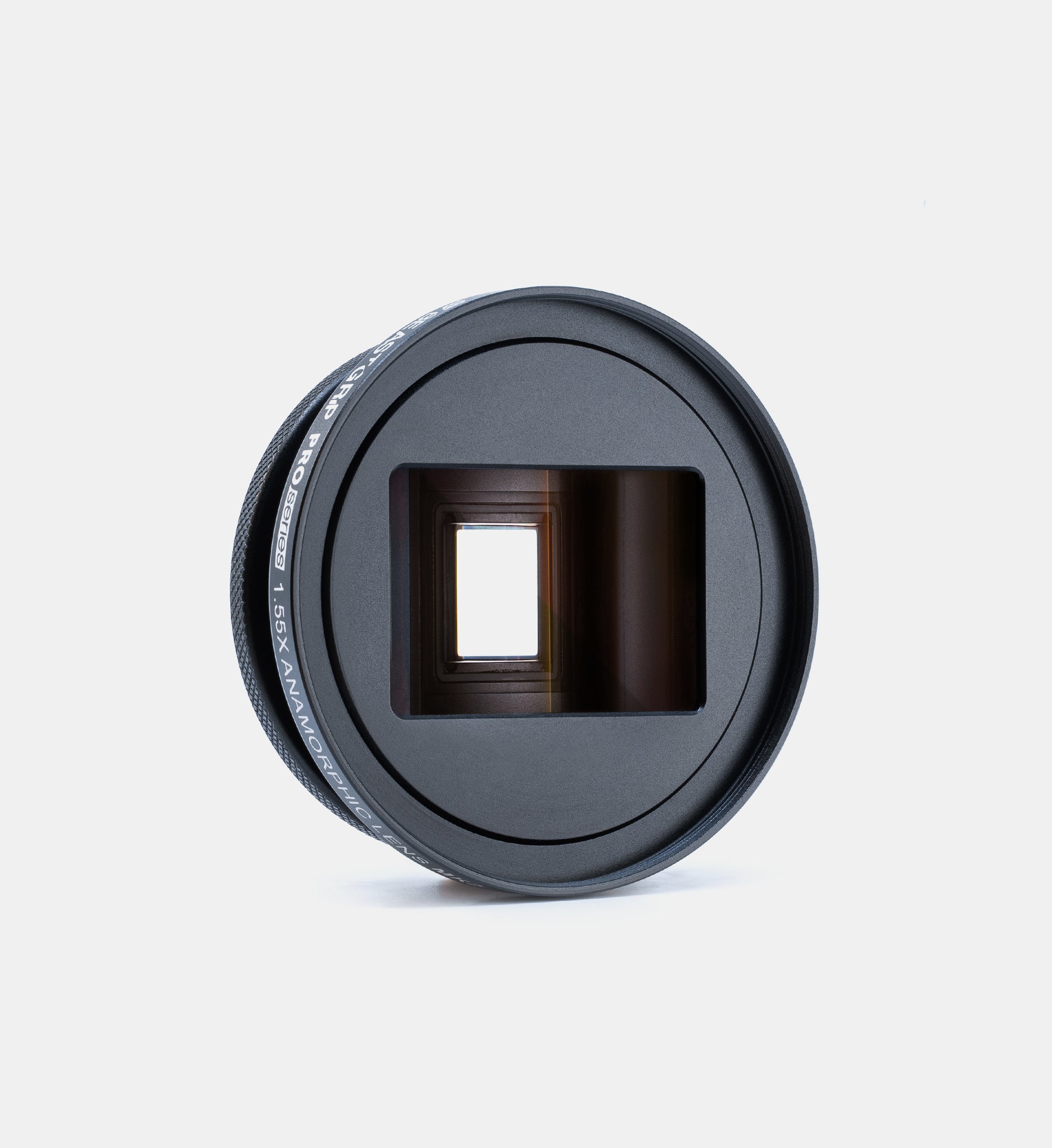
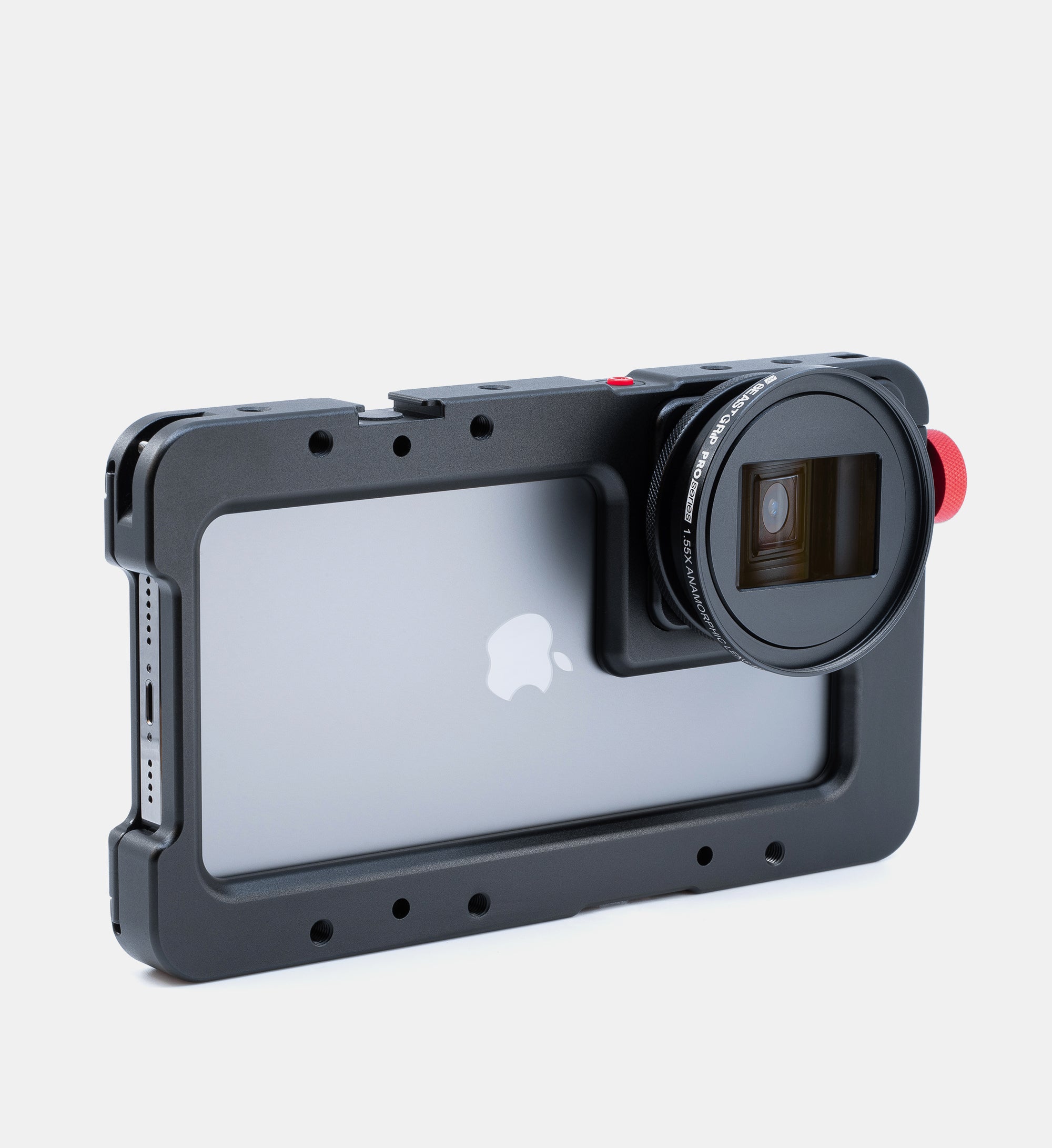
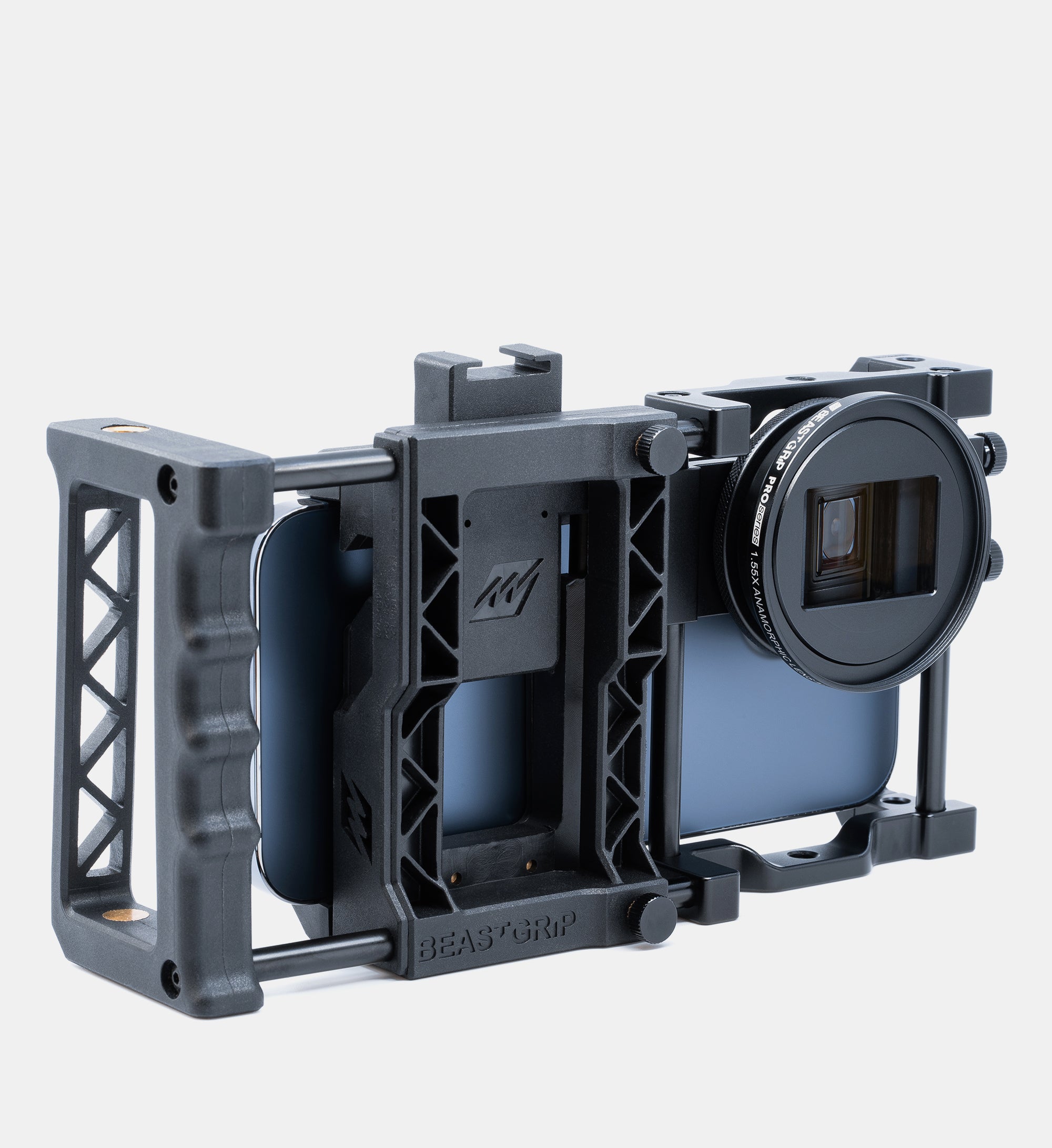
Pro Series 1.55X Anamorphic Lens MK2
FAQs
How do I attach Beastgrip lenses to an iPhone?
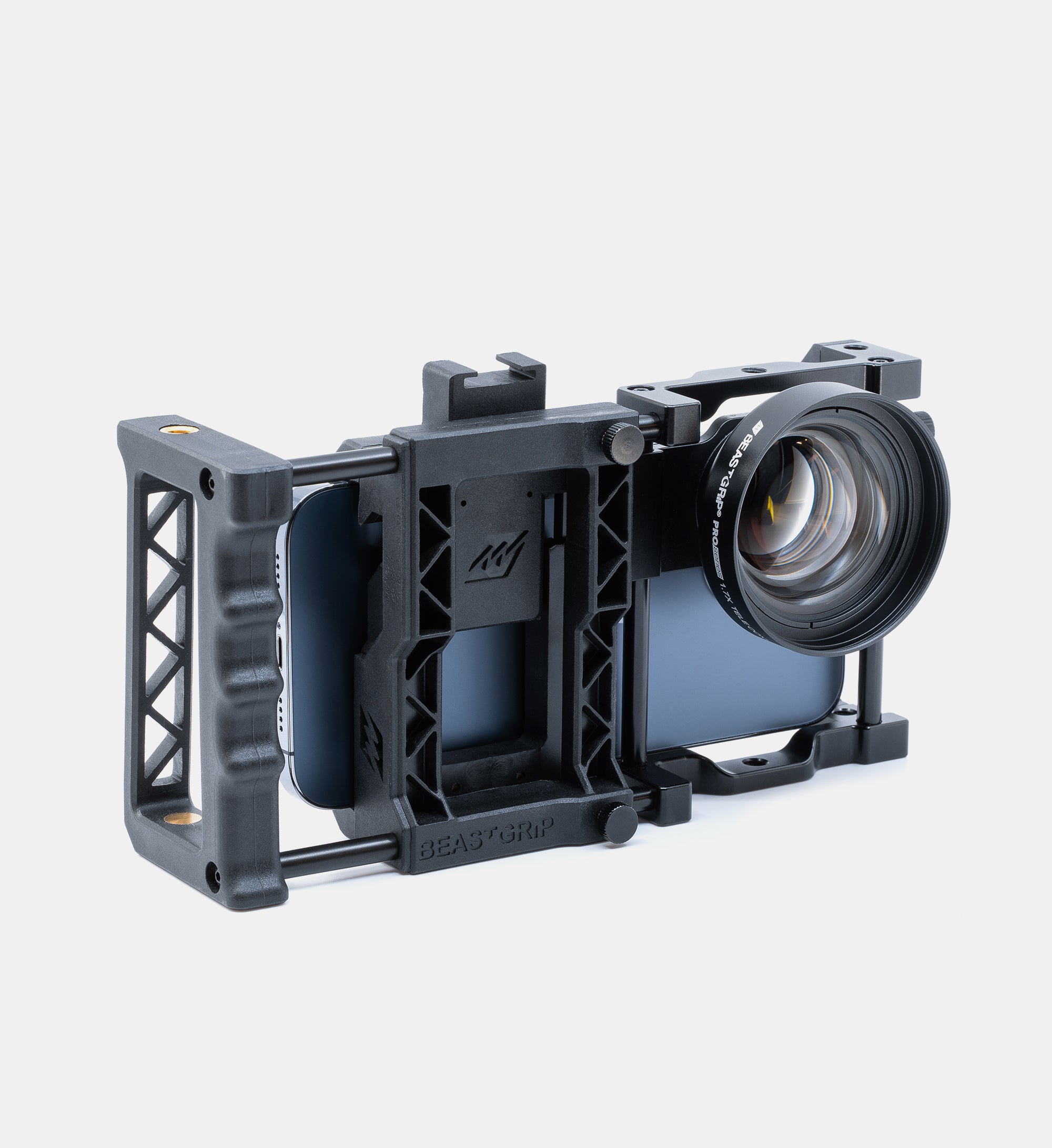
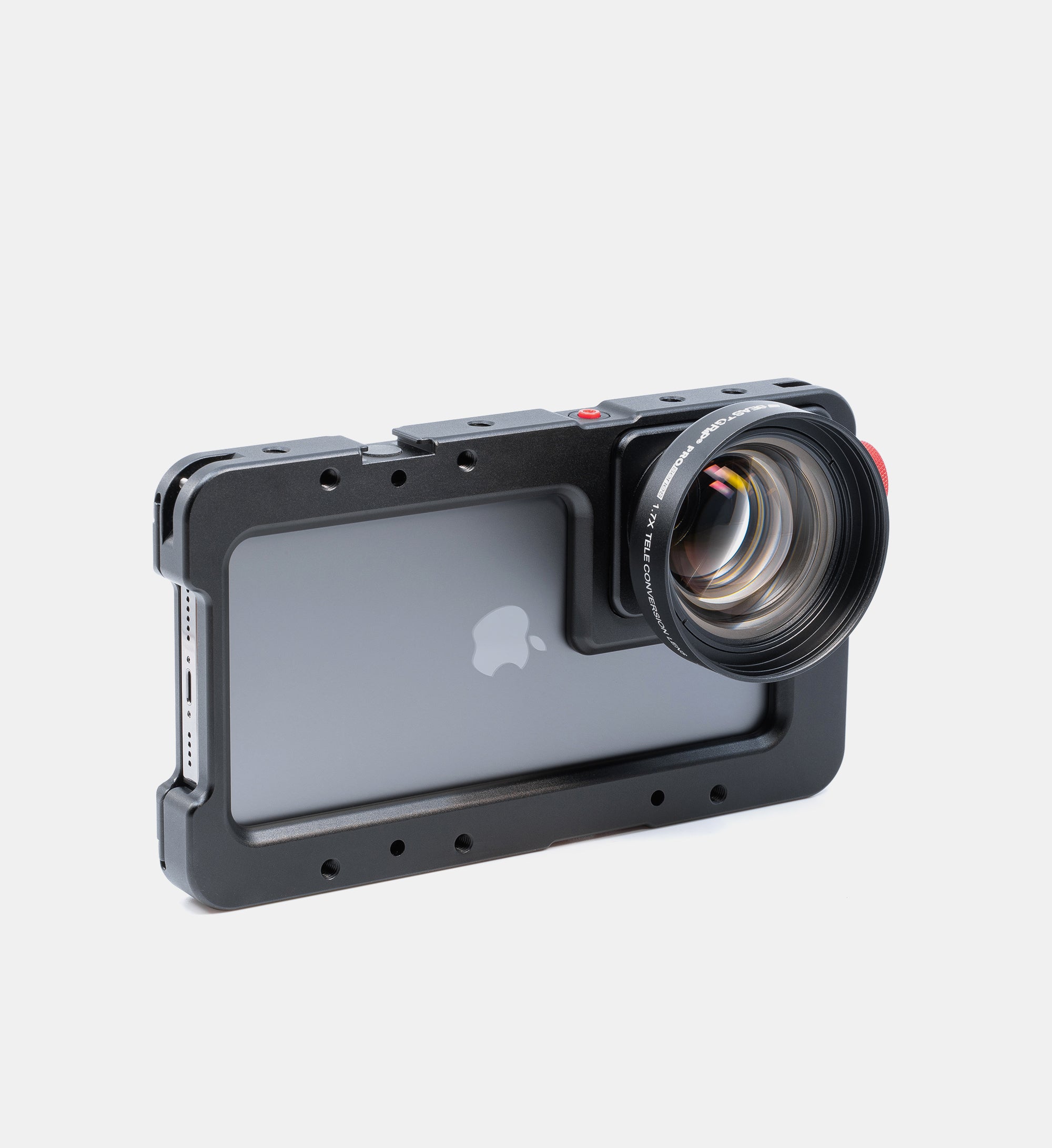
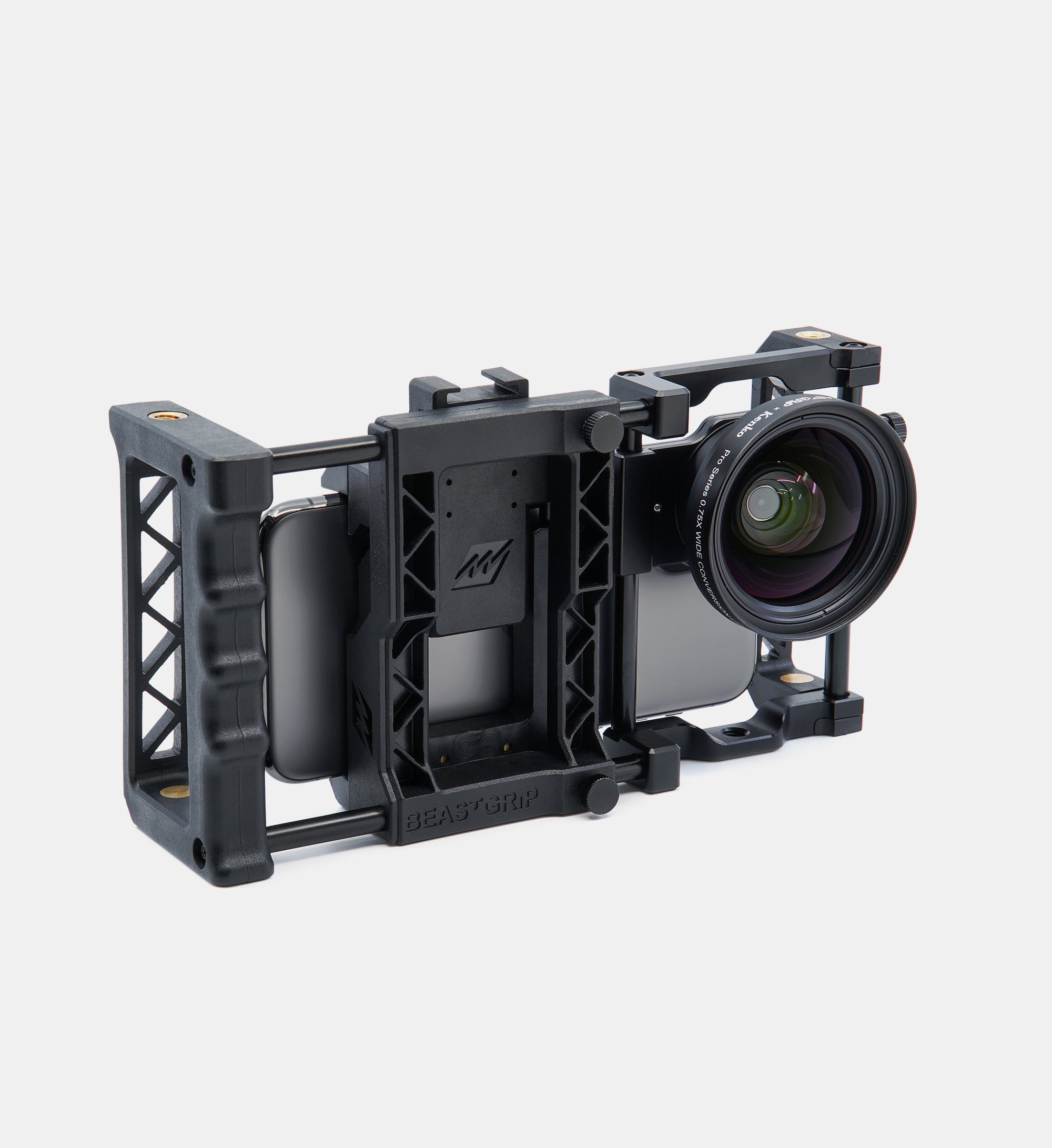
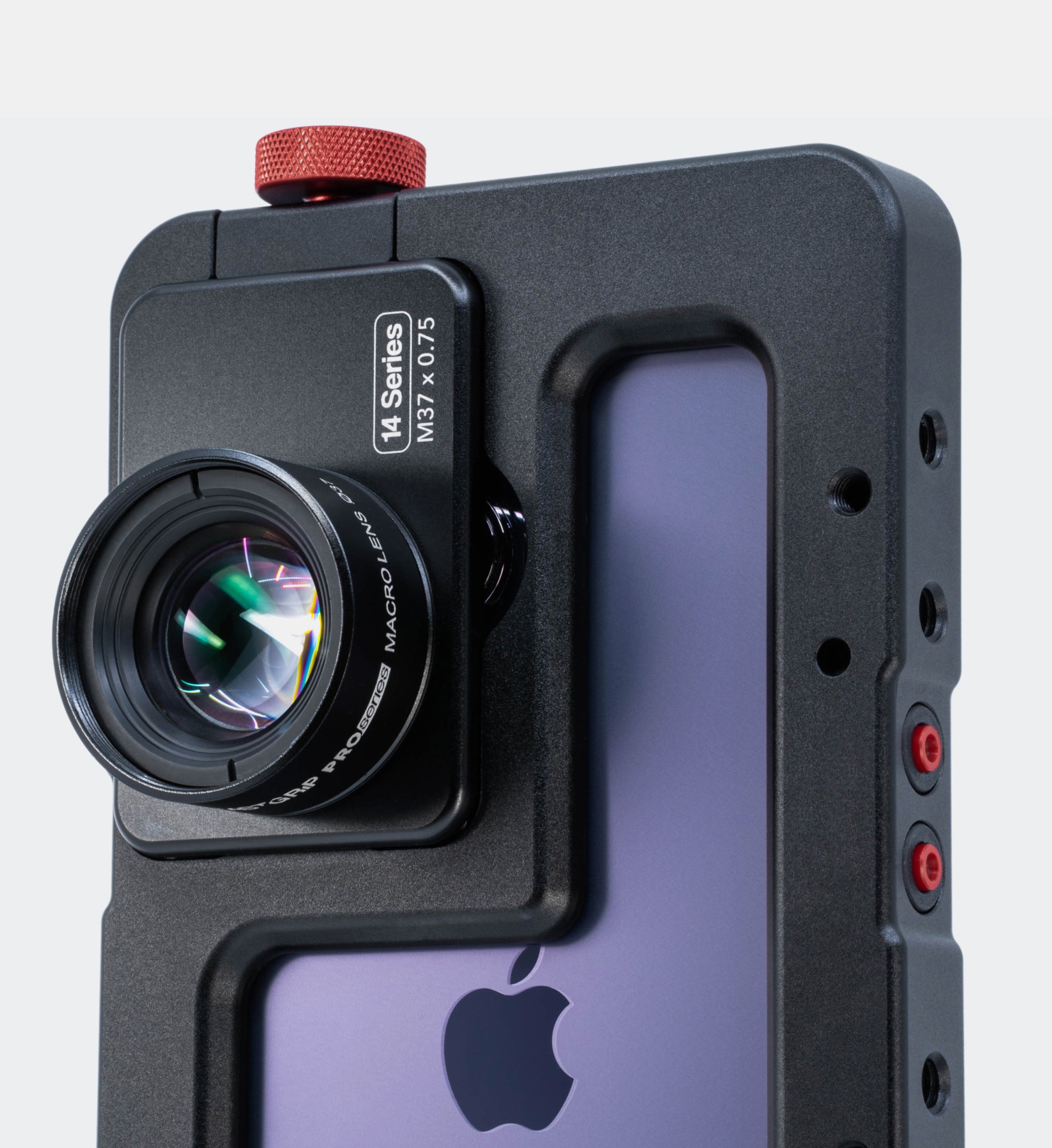
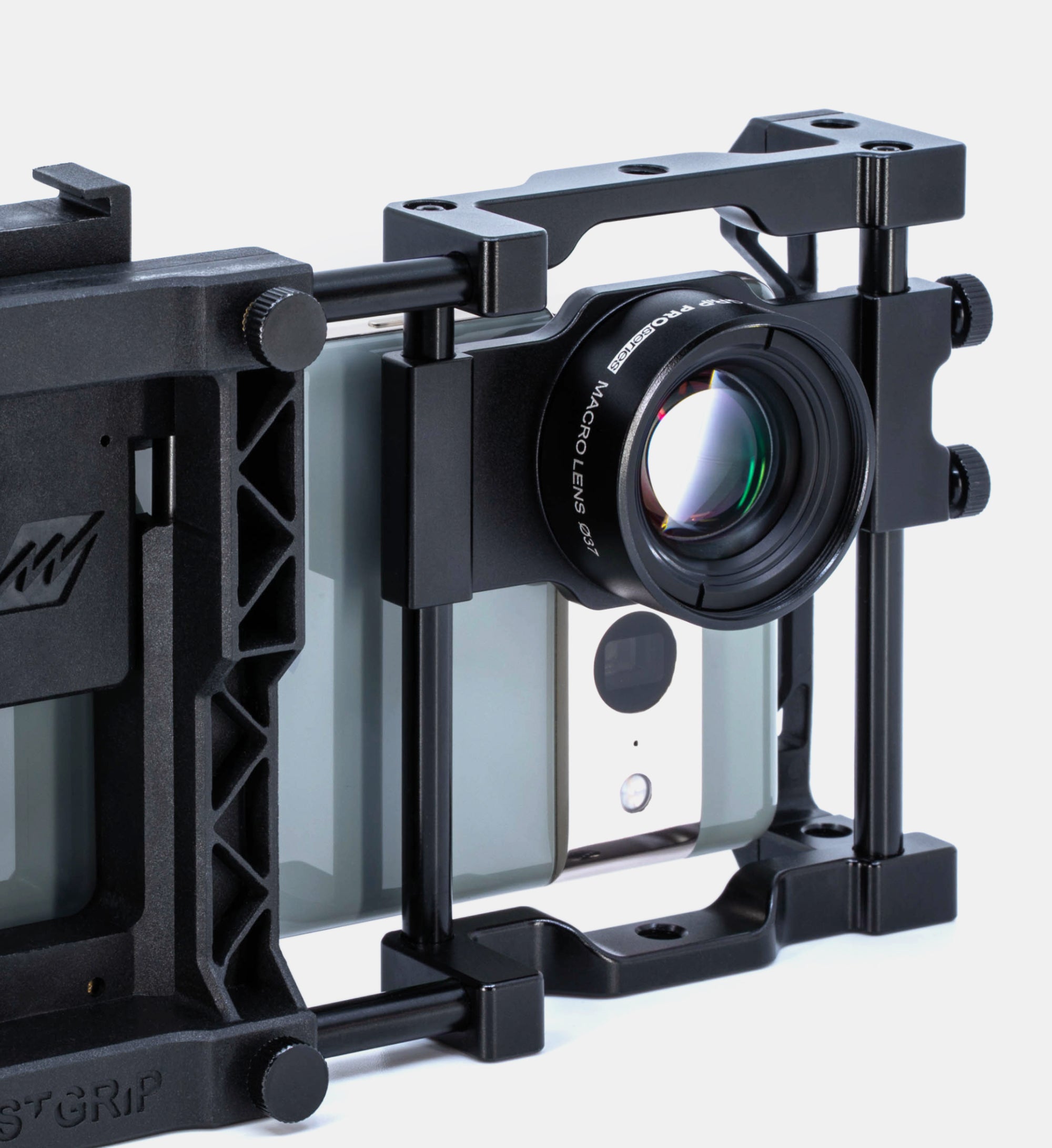
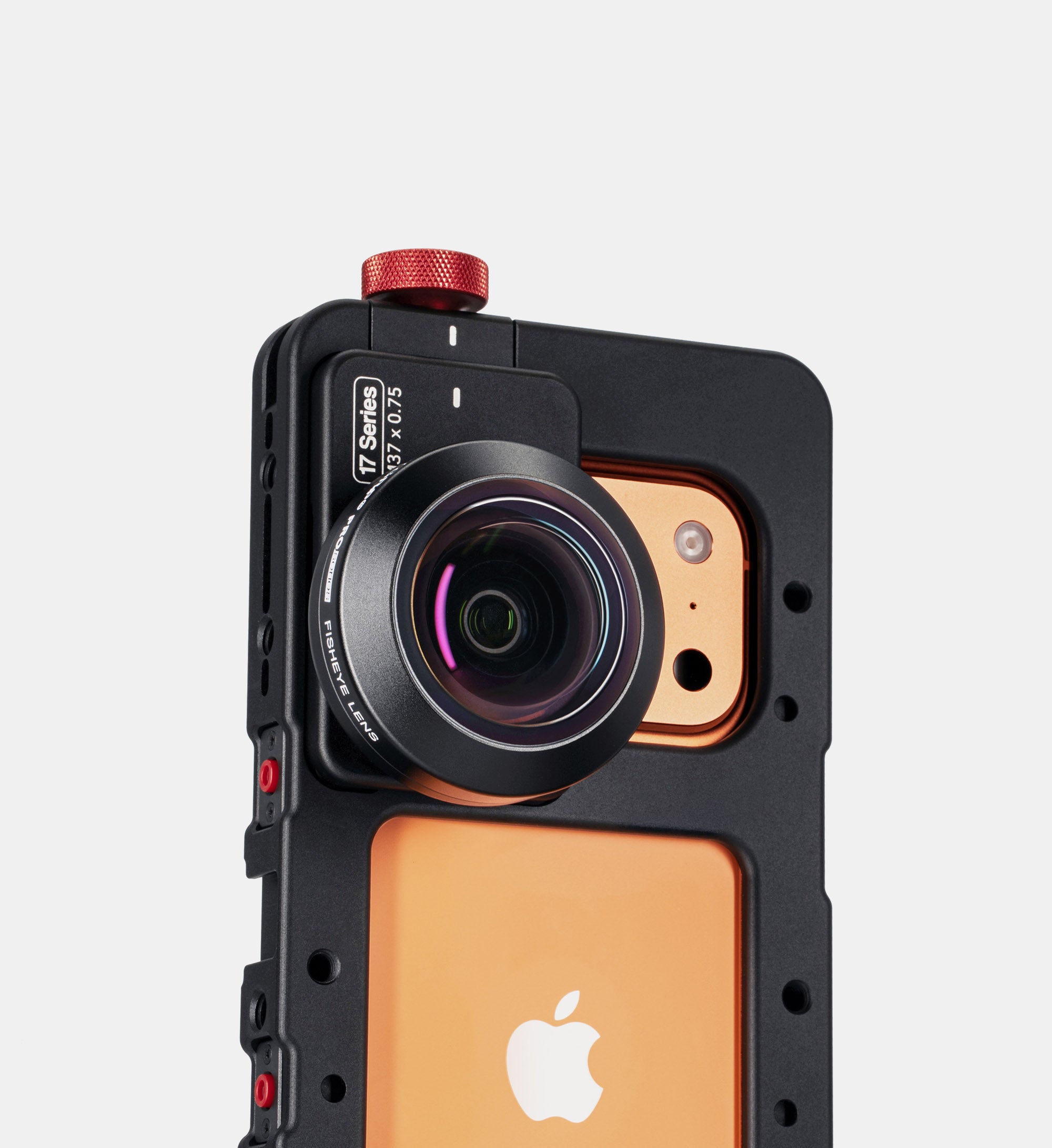
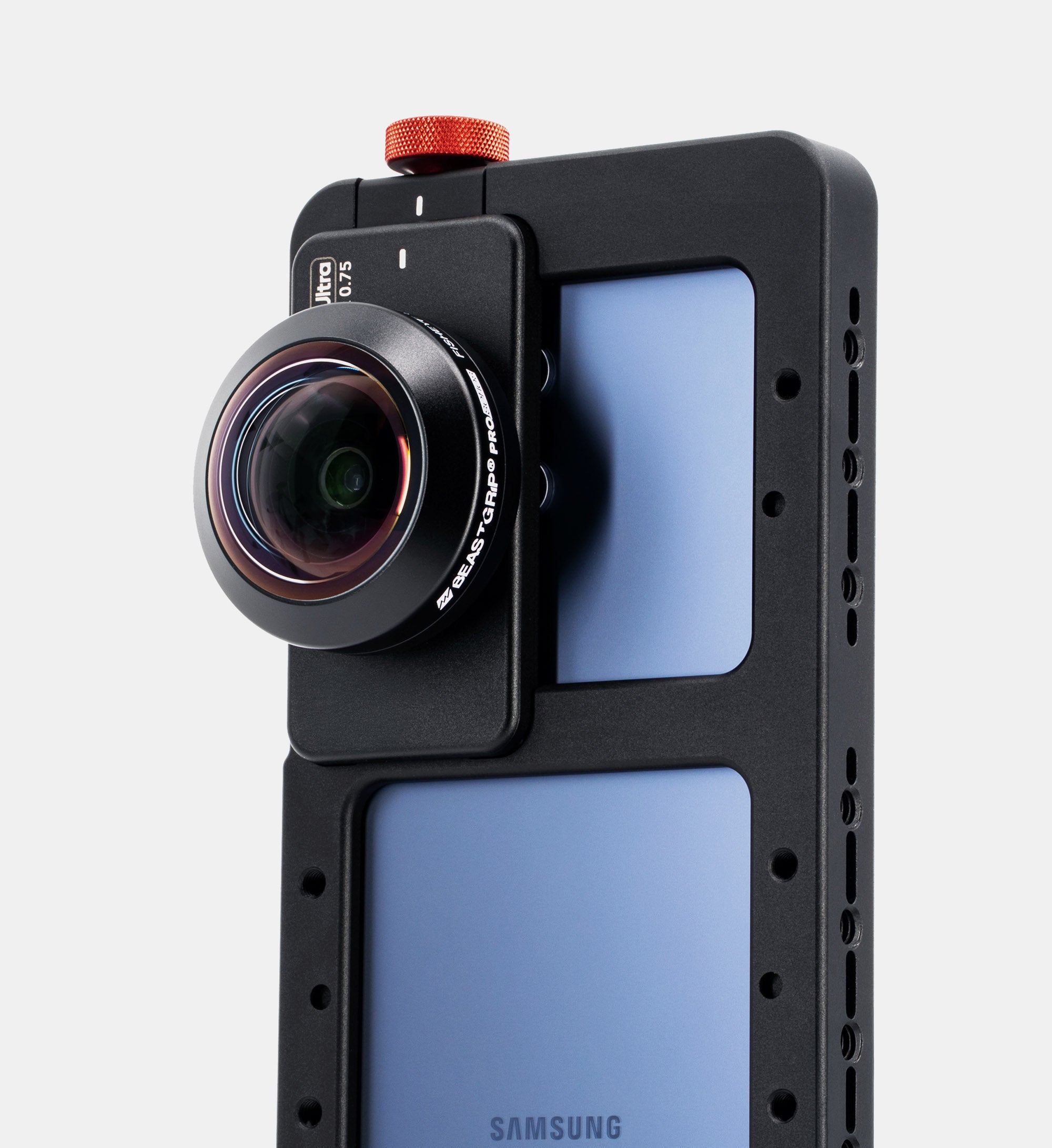
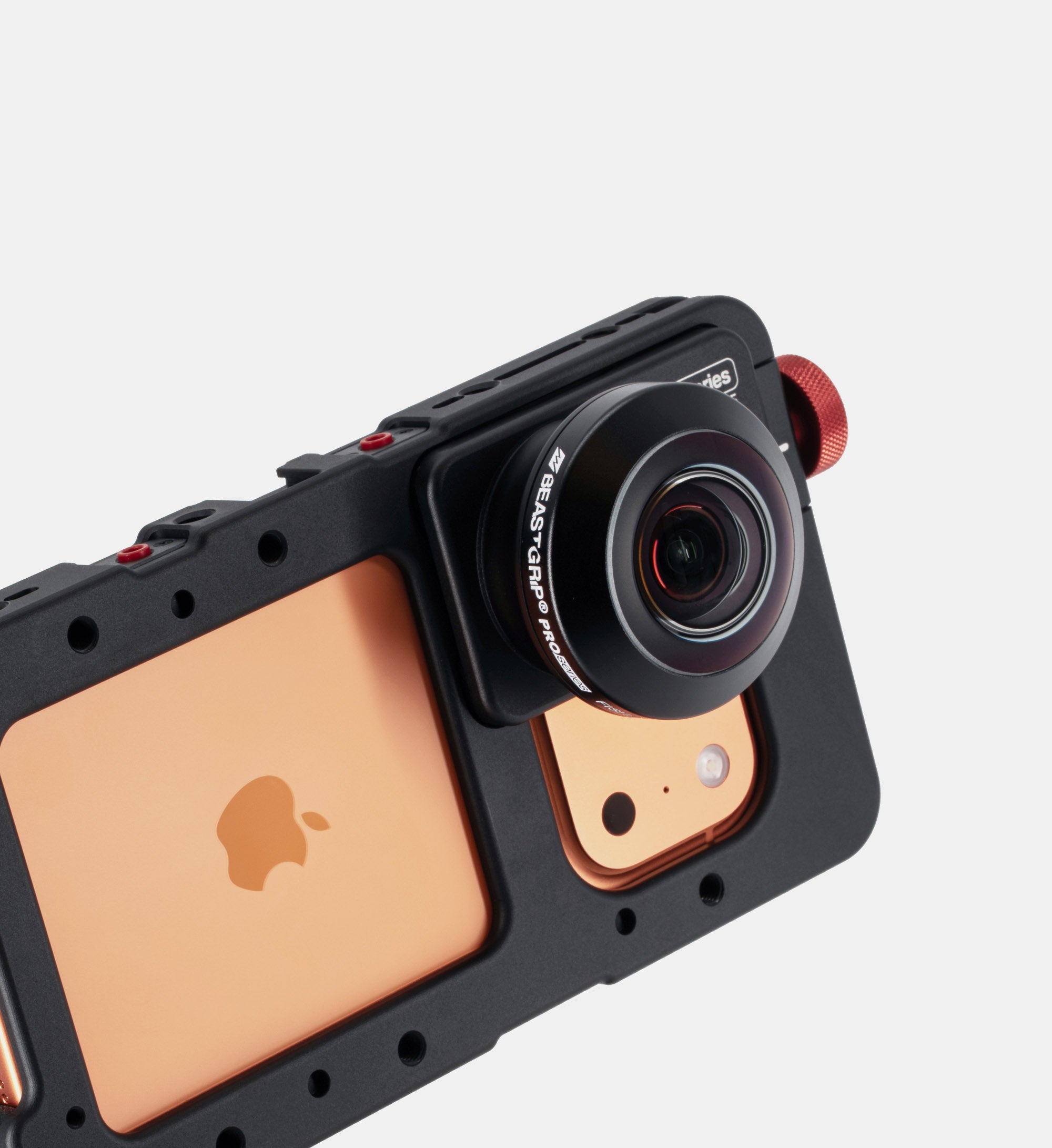
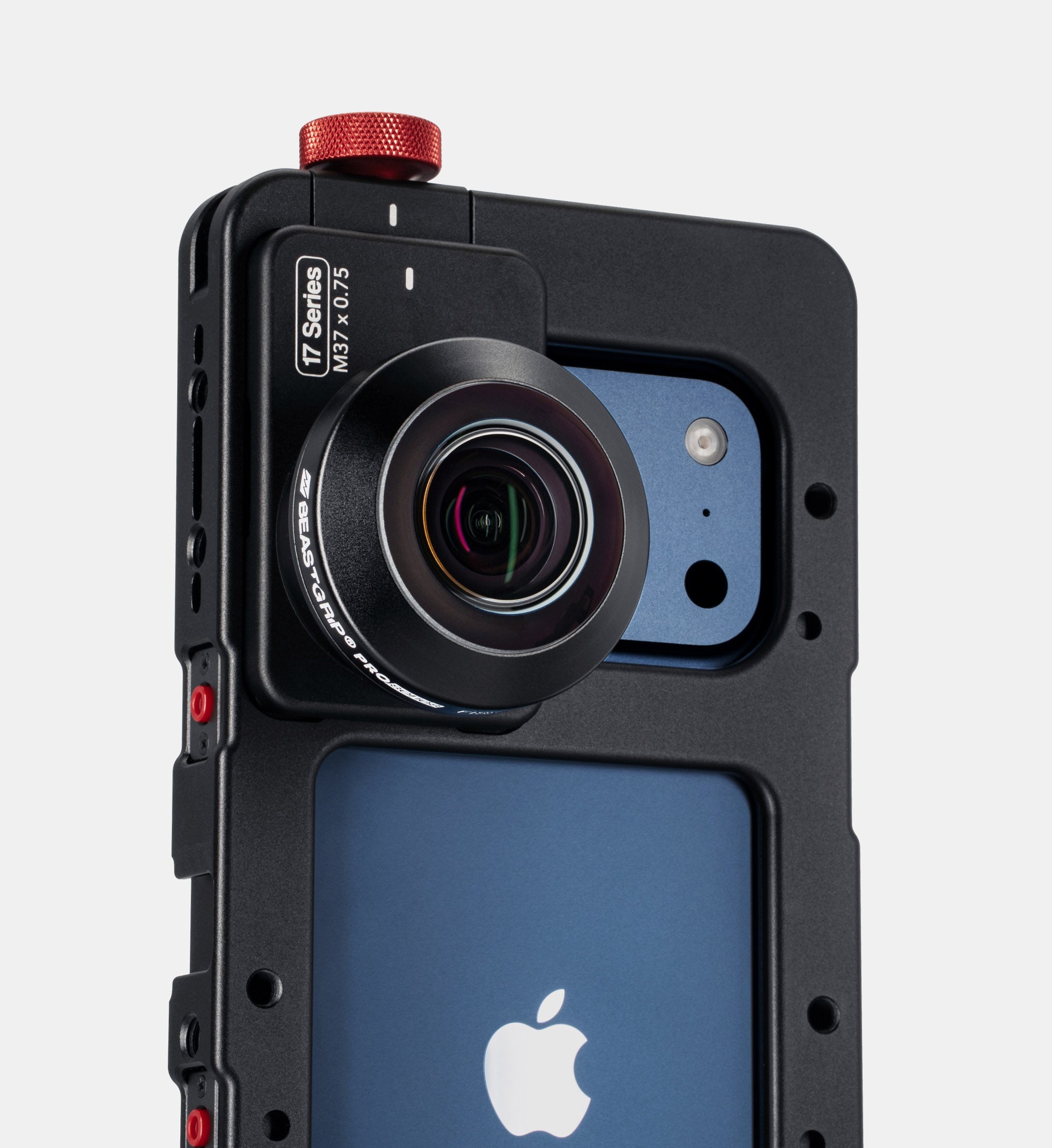
Beastgrip lenses require a compatible lens-mounting system to securely attach and properly align the lens with your iPhone camera. You can use the Beastgrip Pro universal camera rig or a Beastcage designed for your specific iPhone model. Both provide a secure M37 lens mount and precise alignment with the phone’s camera.
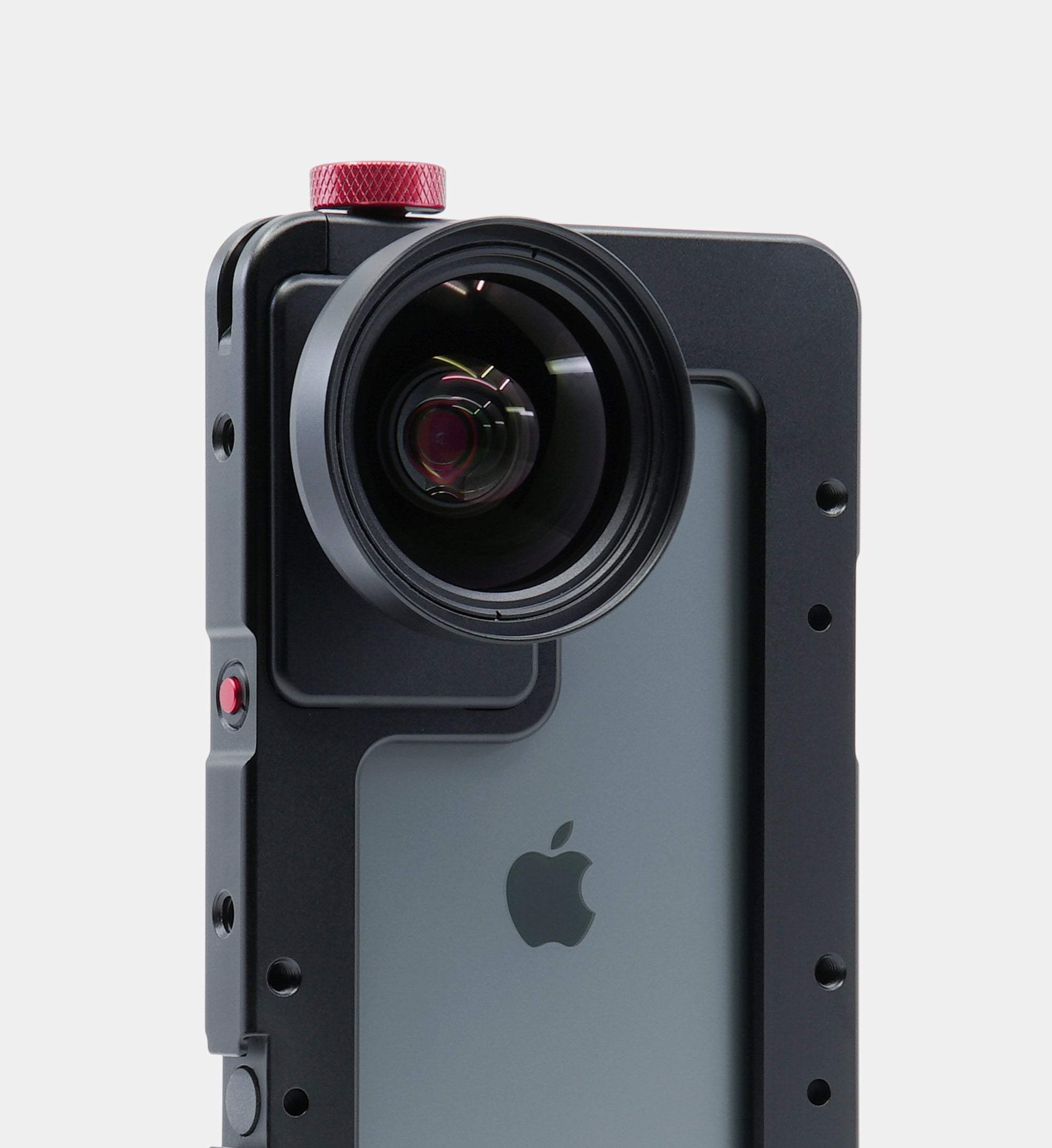
Once mounted, simply thread the Beastgrip lens into the M37 lens mount and you're ready to shoot.
Can I use filters with Beastgrip lenses on iPhone?
Yes. Beastgrip Telephoto, Wide Angle, and Anamorphic lenses feature a built in 62mm filter mount and include a 62 to 77mm adapter ring. We strongly recommend using 77mm or larger filters to minimize vignetting, especially with Wide Angle and Anamorphic lenses.
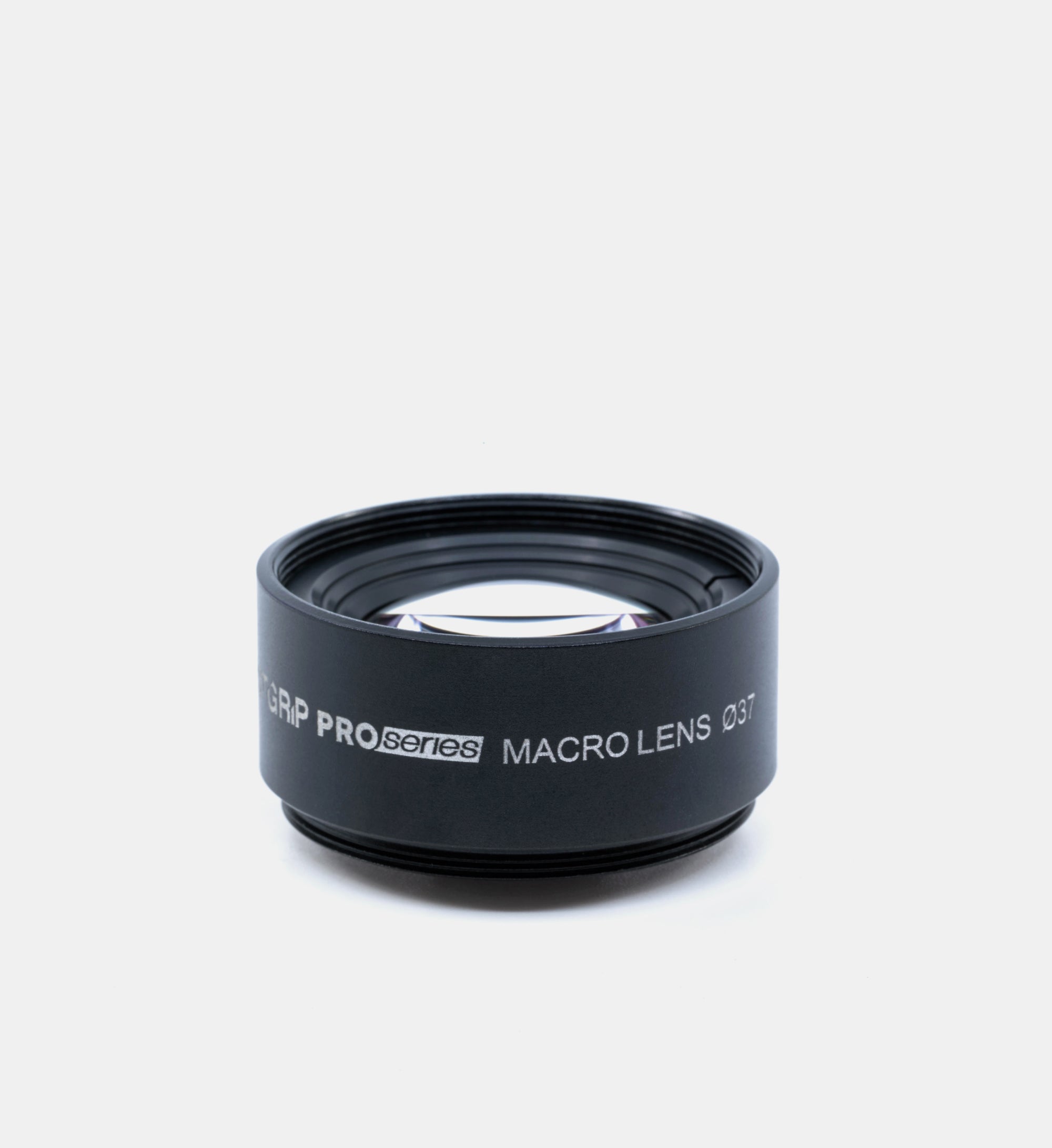
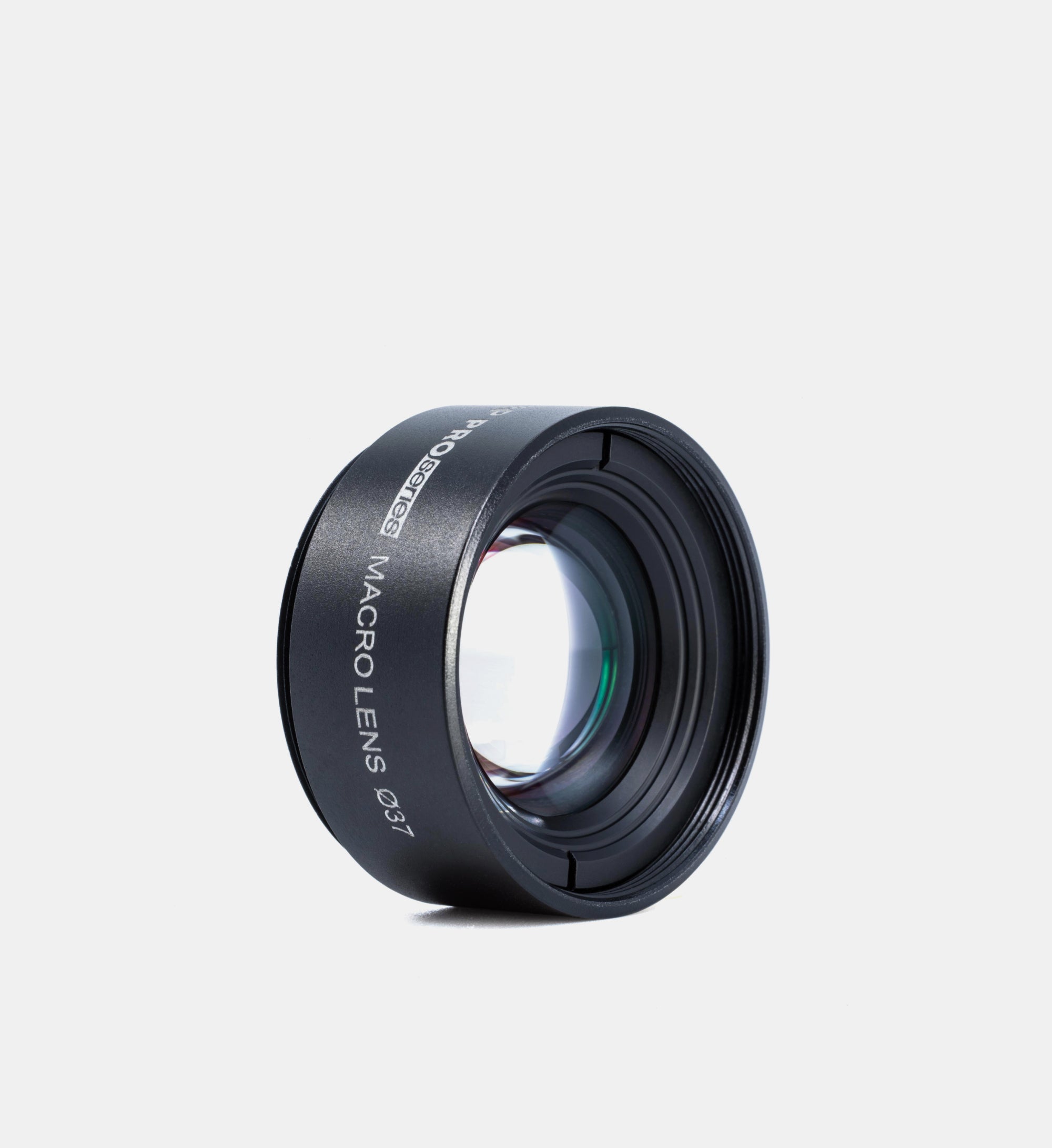
The Beastgrip Macro Lens has a built in 37mm filter mount and includes a 37 to 58mm step up ring for using 58mm filters. Larger filters can also be used with additional step up rings.
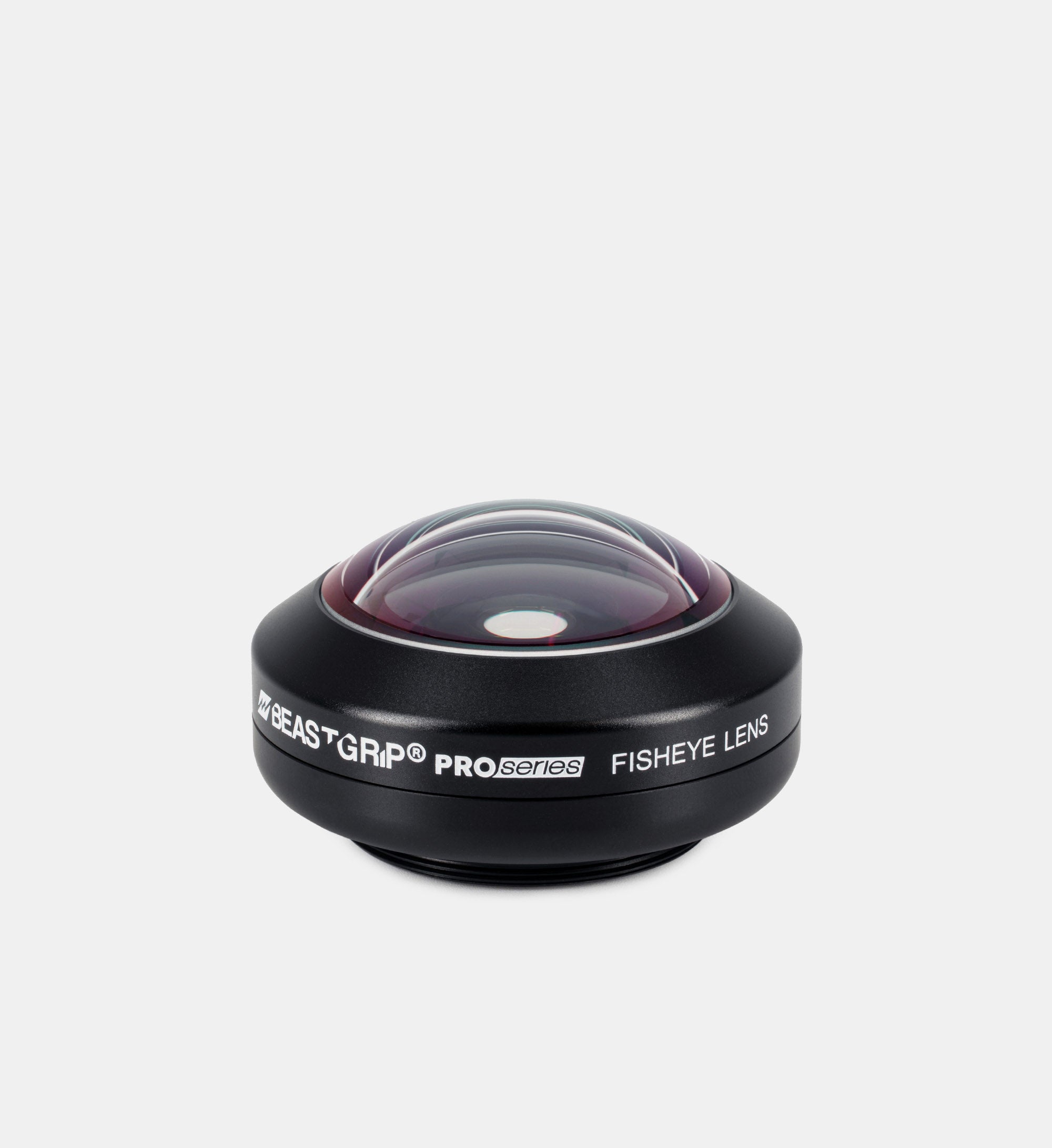
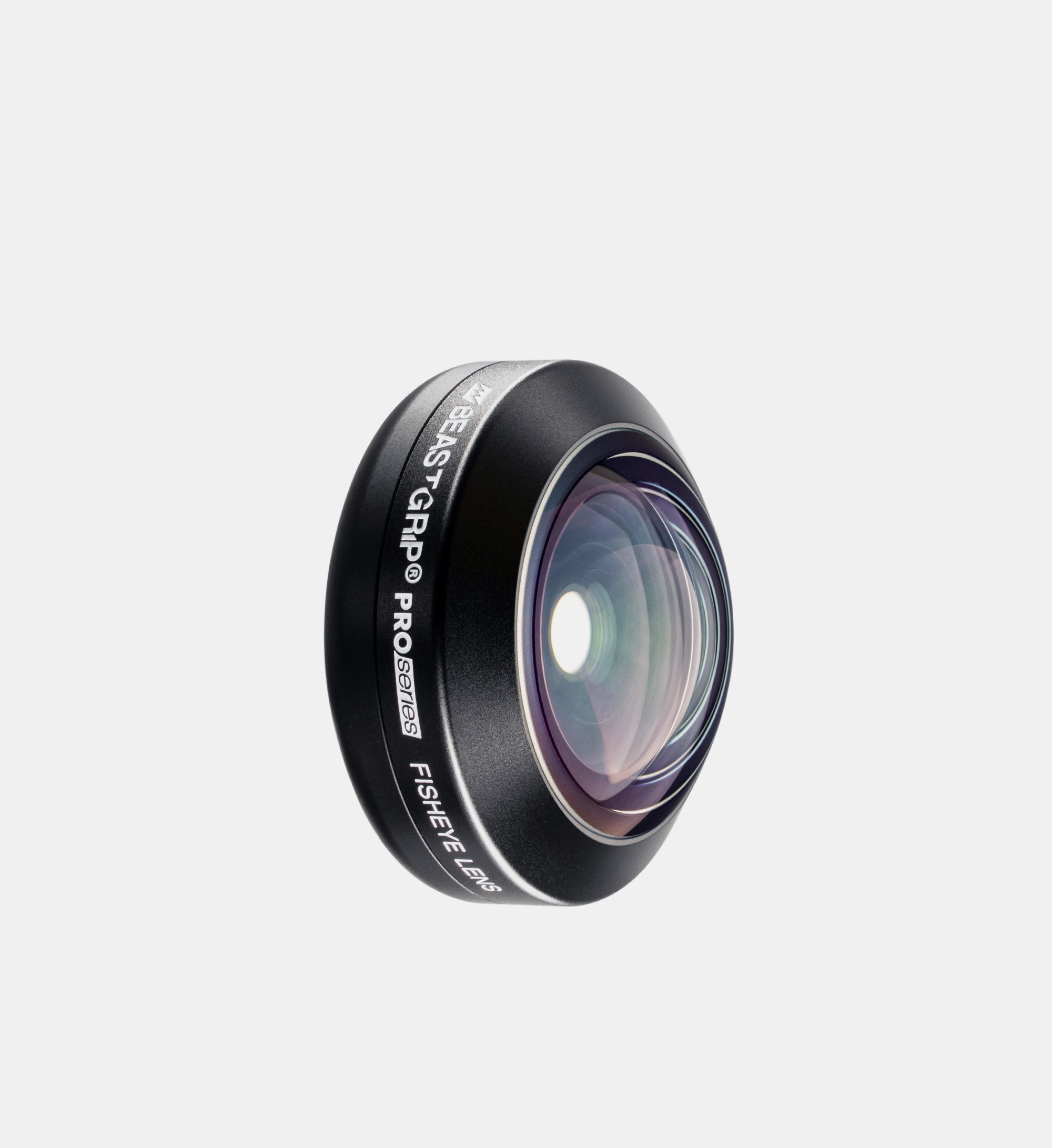
Beastgrip Fisheye lenses do not support filters.
Which iPhone camera should I use with Beastgrip lenses?
For the best image quality and optical performance, we recommend using Beastgrip lenses with the main 1x camera on your iPhone. Our lenses are designed and optimized to work with the main camera, which typically has the largest sensor and provides the best overall image quality.
Why should I use an external lens when my iPhone already has multiple cameras?
Modern iPhones include multiple built in cameras for different focal lengths, but each camera uses its own lens and sensor. Beastgrip lenses let you achieve different perspectives while using the iPhone’s main 1x camera, which provides the best overall image quality and performance.
An external lens optically changes what the main camera sees, allowing you to capture telephoto, wide angle, anamorphic, macro, and fisheye perspectives without simply switching to another built in camera or relying on digital cropping. This gives filmmakers and photographers more creative options while taking advantage of the main camera’s capabilities.
Do I need a third party camera app to use Beastgrip lenses?
We strongly recommend using a professional third party camera app with Beastgrip lenses. These apps provide greater control over focus, exposure, frame rates, codecs, and other recording settings, as well as specialized features such as anamorphic desqueeze and image orientation controls when using anamorphic lenses or a DOF Adapter.
You can also use the native iPhone Camera app with Beastgrip lenses. If your iPhone provides the manual controls you need, the native app can be a convenient option for shooting with conversion lenses.
Can I use Beastgrip lenses for both photography and video?
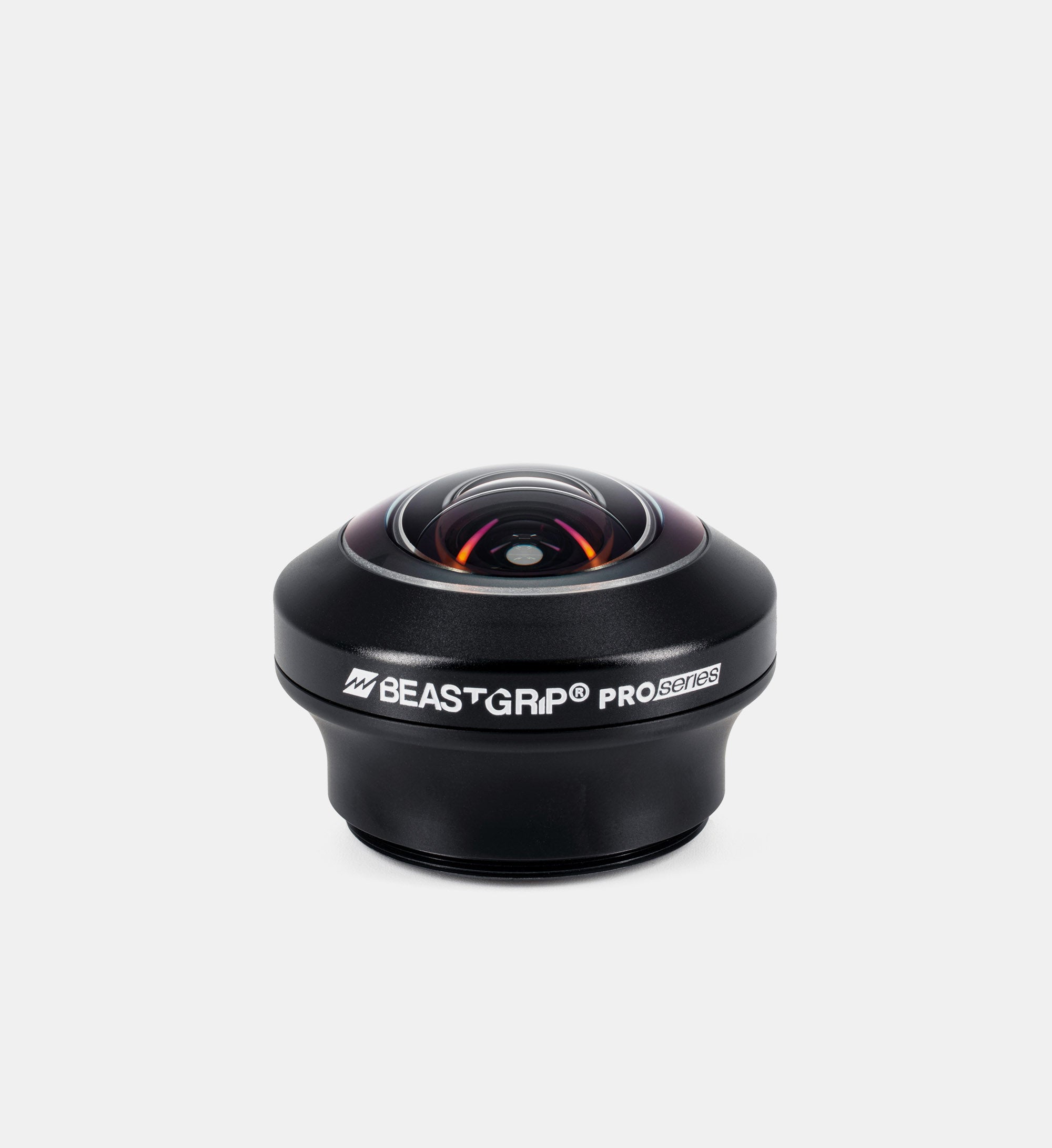
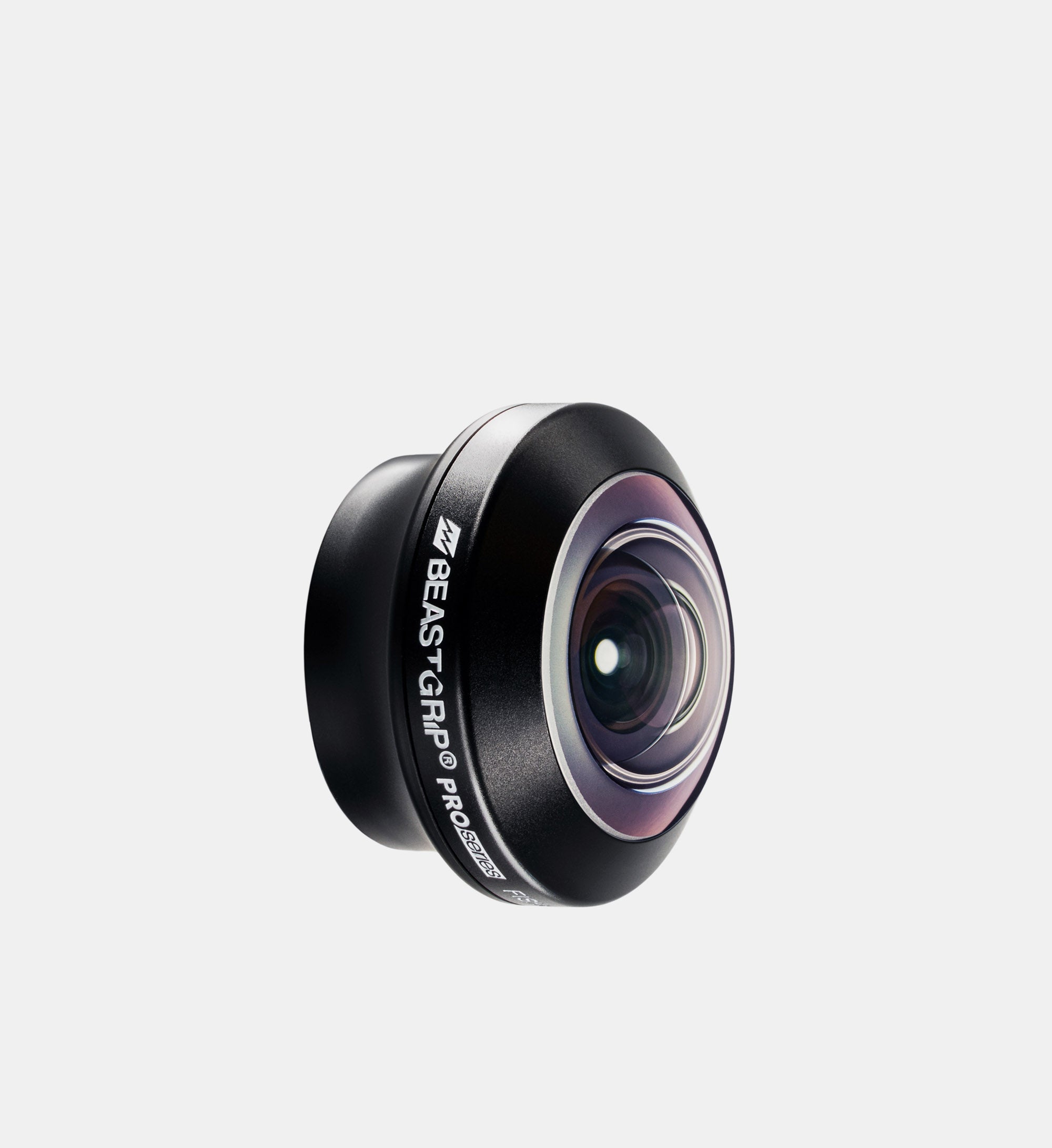
Yes. Beastgrip lenses can be used with your iPhone for both photography and video. Use anamorphic lenses for a cinematic widescreen look, the Telephoto Lens for a more natural perspective, portraits, close ups, and shallower depth of field, the Macro Lens for capturing fine details, the Wide Angle Lens for a wider field of view, or Fisheye lenses for dramatic and creative perspectives.
Each lens optically changes what the iPhone camera captures, giving you different creative looks for both photos and videos.
Which Beastgrip lens should I choose for my iPhone?
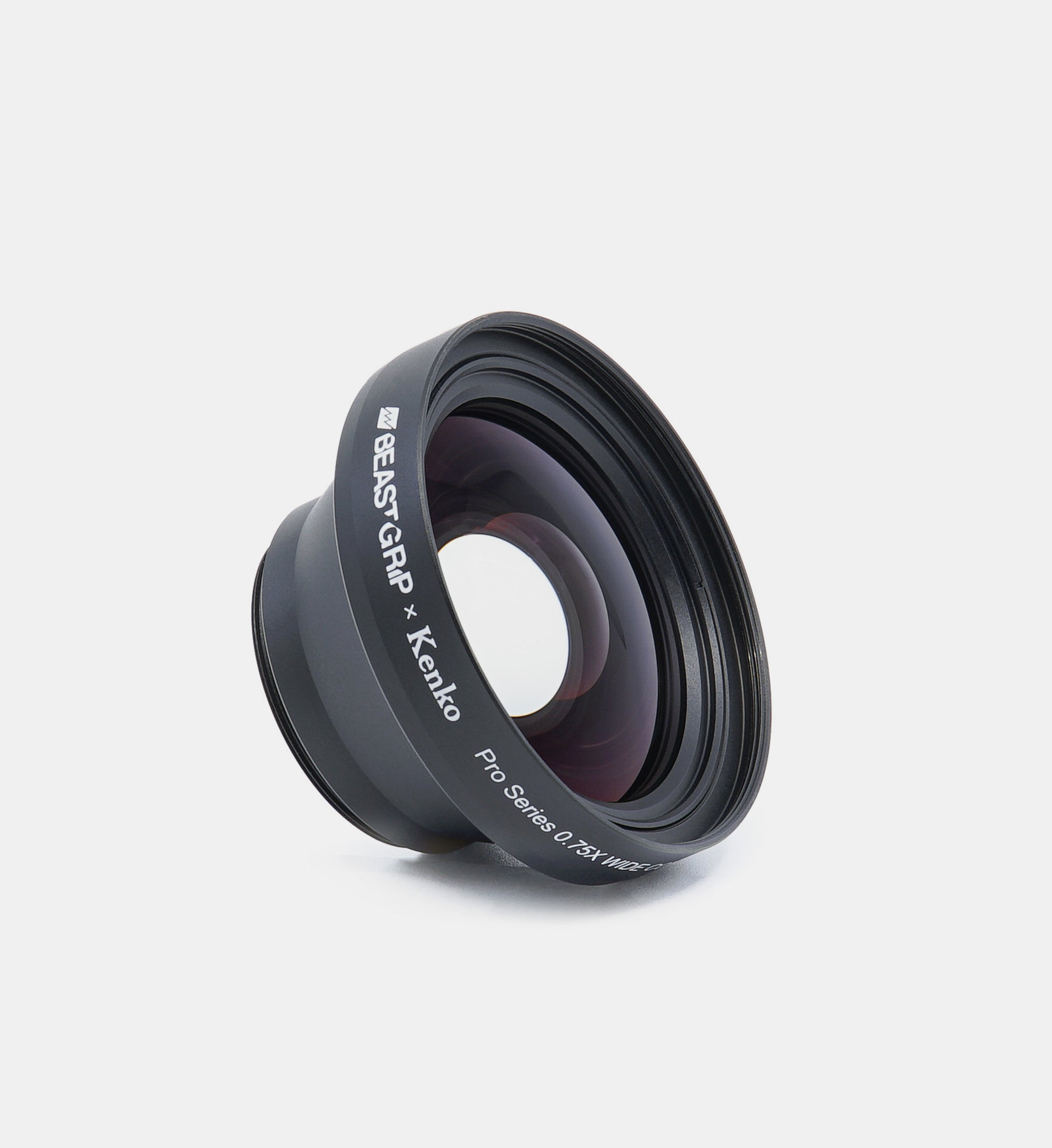
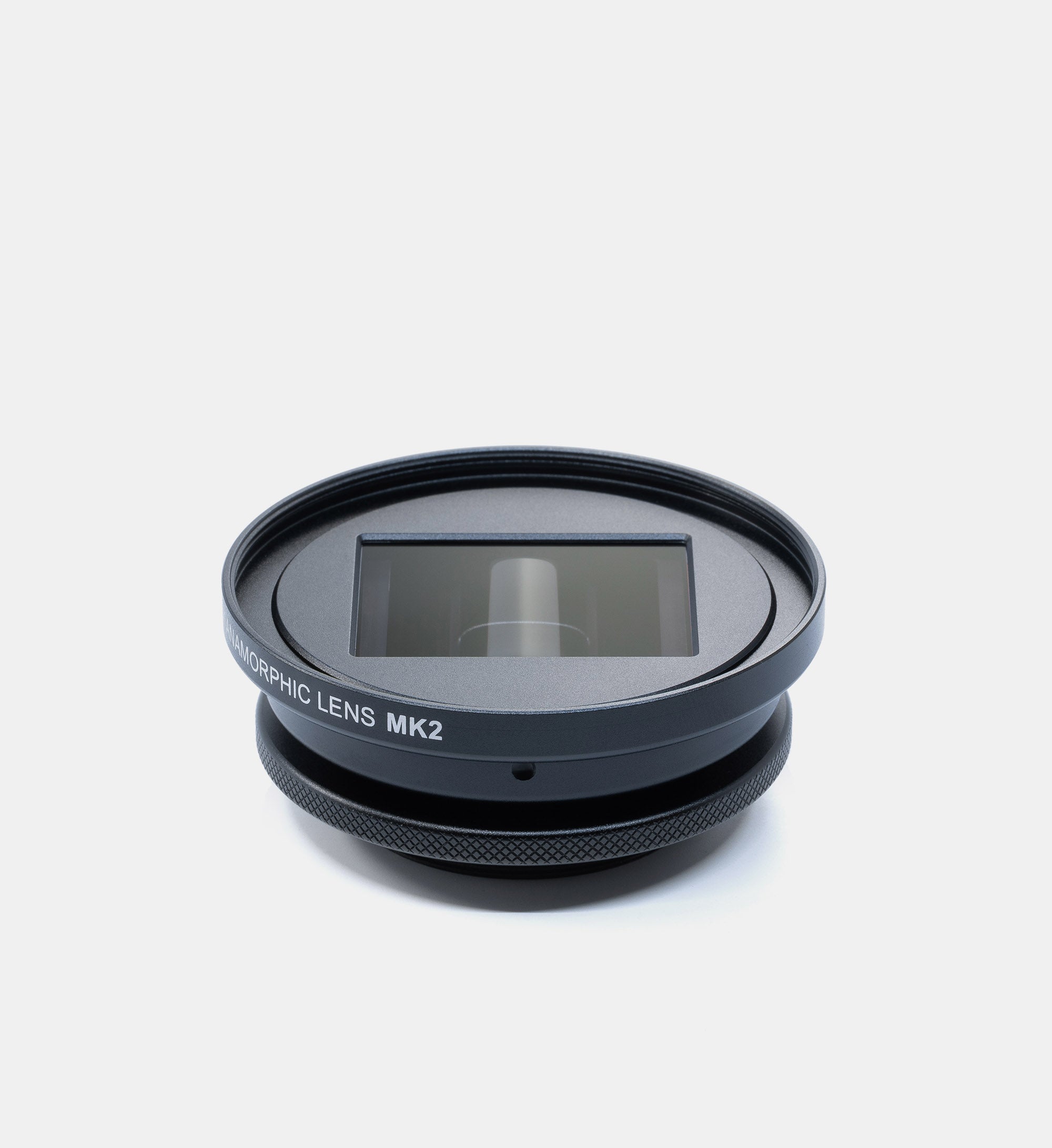
Choose your lens based on the perspective and look you want to create. Anamorphic lenses produce a cinematic widescreen image with characteristic lens flares. The 1.7X Telephoto Lens provides a more natural perspective, greater subject separation, and shallower depth of field, making it ideal for portraits and close ups. The 0.75X Wide Angle Lens expands the field of view for landscapes, interiors, and establishing shots. The Macro Lens captures extreme close ups and fine details, while Fisheye lenses create an ultra wide field of view with distinctive curved distortion for immersive and creative shots.
Which iPhone models are compatible with Beastgrip lenses?
Beastgrip lenses are compatible with iPhone 18 Pro and iPhone 18 Pro Max, as well as previous iPhone models. Our lenses are designed with long term compatibility in mind and provide optical coverage beyond the requirements of current iPhone camera sensors. This allows the same lenses to continue working across multiple generations of iPhone cameras as sensor sizes and camera systems evolve.
The lenses are not tied to a specific iPhone generation. Compatibility is achieved through the mounting system, using a Beastgrip Pro universal rig or a Beastcage with the appropriate lens mount for your iPhone.
Can I switch between iPhone cameras while using a Beastgrip lens?
Beastgrip lenses are designed to align with a specific camera on your iPhone, typically the main 1x camera. Once the lens is mounted and aligned, you should continue shooting with that camera for proper optical performance.
Switching to another built in camera does not physically move the external lens, so the other camera may be partially or completely blocked and will not be properly aligned with the lens.