

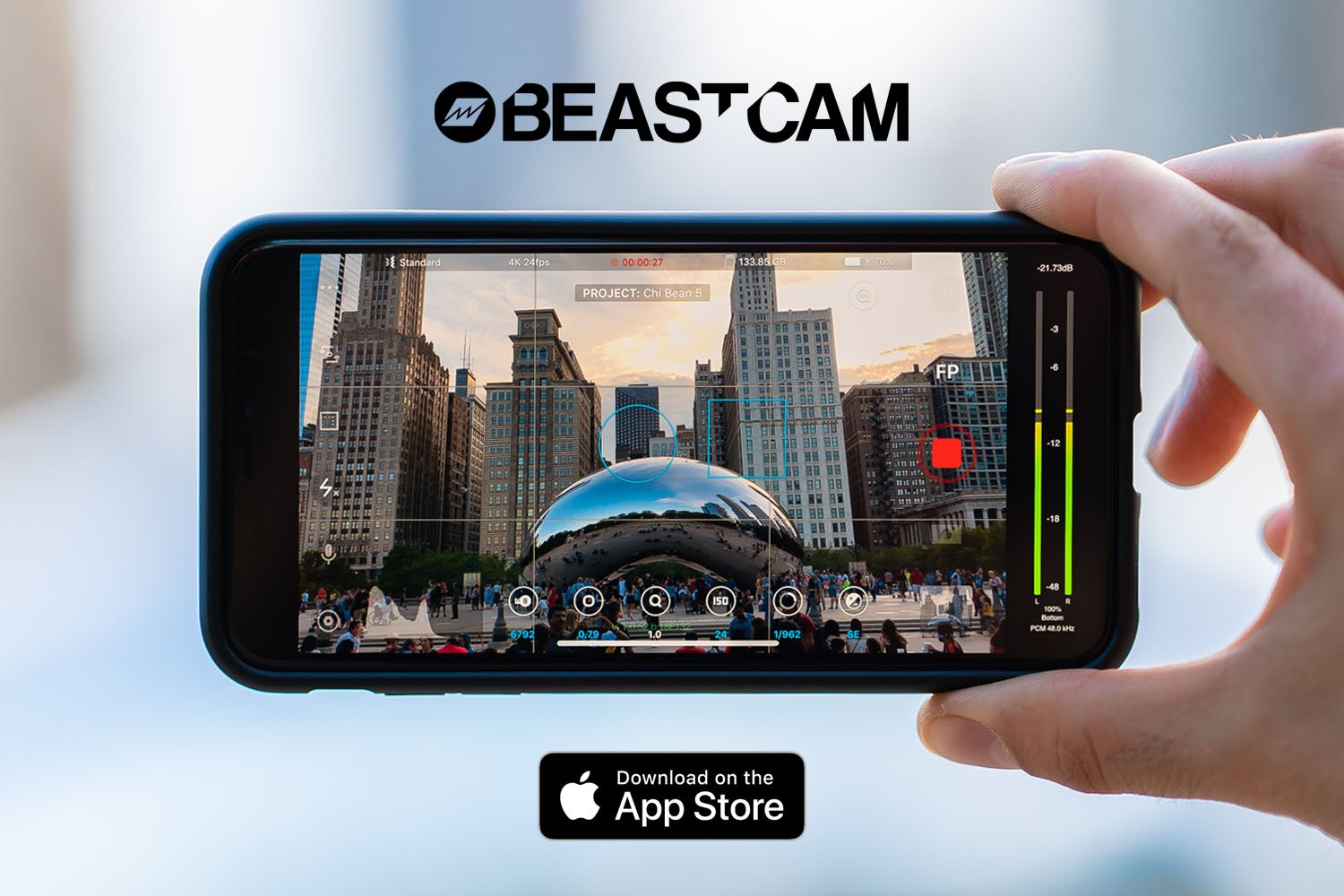
We’re excited to release Beastcam, our professional camera app for iPhone.
We’ve spent thousands of hours building the app that we’ve always wanted. It’s packed with powerful, easy to use features that allow you to take better photos and videos on your iPhone. Designed for both amateurs and professionals alike.
We believe it’s the most advanced iPhone camera app ever created. Download it now and let us know what you think!
Getting Started
Here’s a quick look at Beastcam’s user interface, features and controls.
Manual Controls
You can easily set, fine-tune and lock the most important settings you need in seconds, such as focus, exposure (shutter speed and ISO), zoom, white balance, and more using Beastcam’s intuitive design, quick-access buttons, precise value sliders and draggable focus and exposure reticles. All available with a single tap on the home screen. Enhance your creativity with built-in support for DOF (SLR/DSLR lens) adapters, 1.33X and 1.55X anamorphic lenses in both photo and video mode. And improve your sound quality with external analog or digital microphones and dial in the perfect settings for your environment, such as gain, audio format and sample rates.
Advanced Presets
You can speed up and organize your workflow with shareable presets for every available setting. And save time setting up your camera with unlimited customizable presets for all available settings that can be applied at any time. It’s perfect for multi-phone setups, DOF Adapters, 1.33X and 1.55X anamorphic lenses, and other commonly used settings like frame rate, resolution, etc.
File Management
You can save time finding your files by creating projects and scenes that auto-generate readable file names based on the project name, scene name and take number and prioritize your best footage (or delete your worst) with a single tap as soon as you’ve finished recording, or later in the built-in gallery. And conveniently manage and share all of your organized photos and videos with the built-in gallery.
We appreciate your support and look forward to getting your feedback on Beastcam. Please download it and give us a review. We can’t wait to see what you create with it!
BG


Share:
Introducing the all-new Beastgrip Pro Series Filters and Filter Mounts.
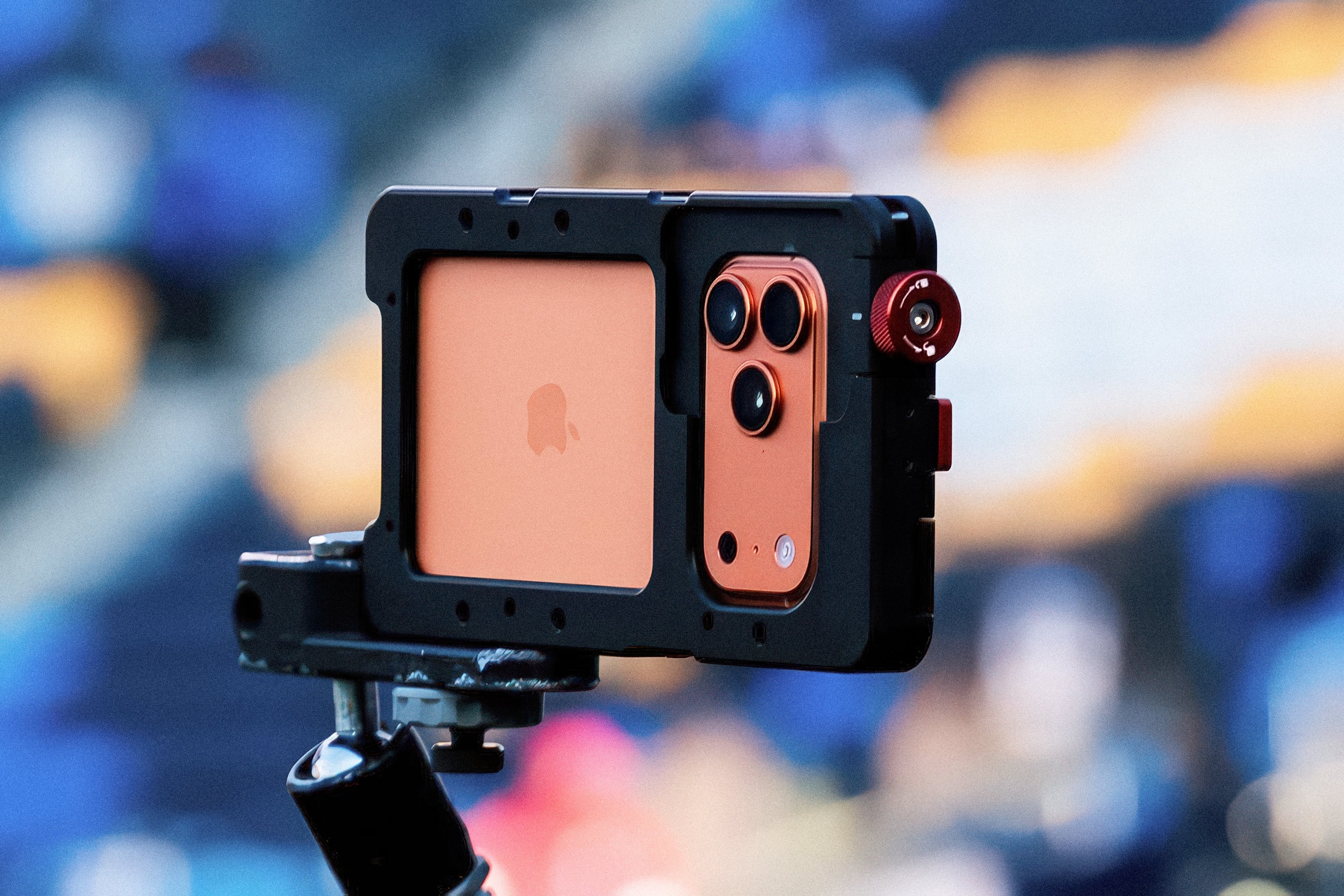
All-new Beastcages for iPhone 11, 11 Pro and 11 Pro Max